LBI does not use a web server, so replacing those certificates differs slightly from Lawson & Landmark. Replacing the LBI certificates is done exclusively in WebSphere console manager.
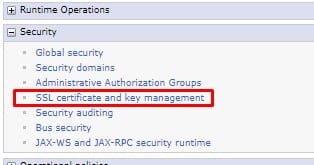
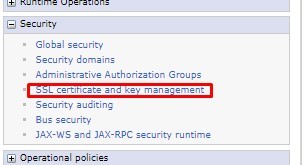
First make sure that you have a pfx file stored locally on the server, and that you have the private key for that file. Open the console manager and navigate to Security > SSL certificate and key management > Key stores and certificates.
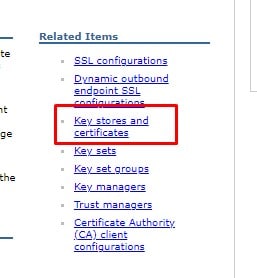
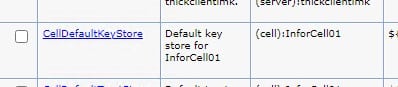
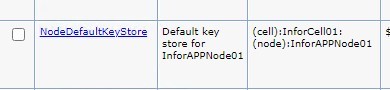
Select the CellDefaultKeyStore

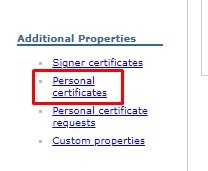
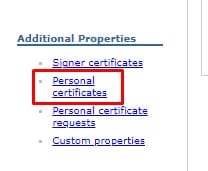
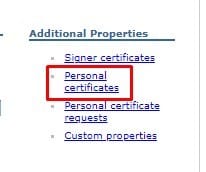
Select Personal Certificates
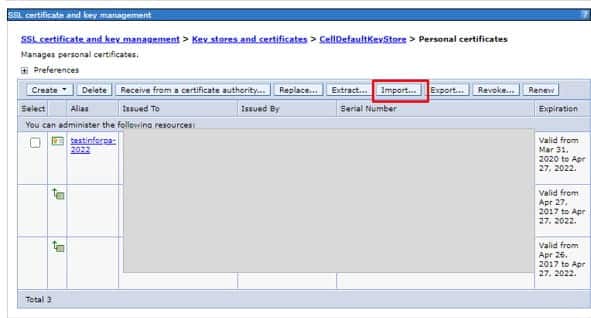
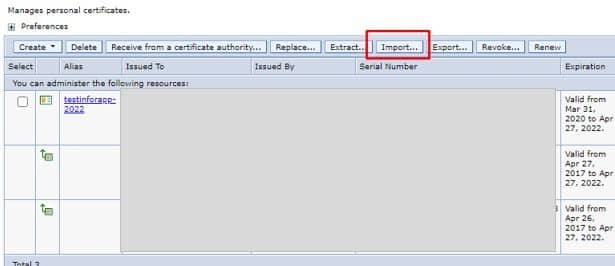
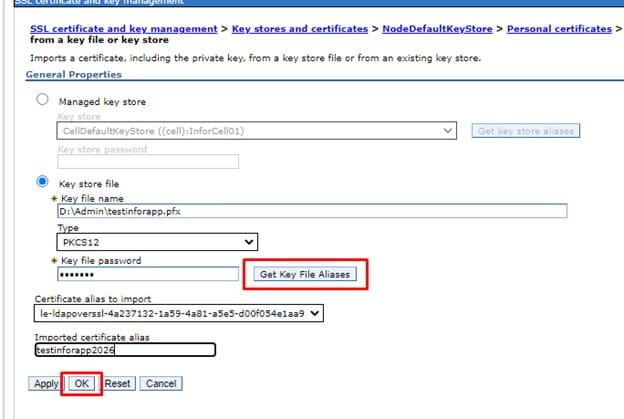
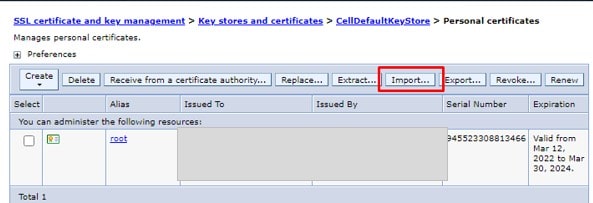
Import the new certificate first.
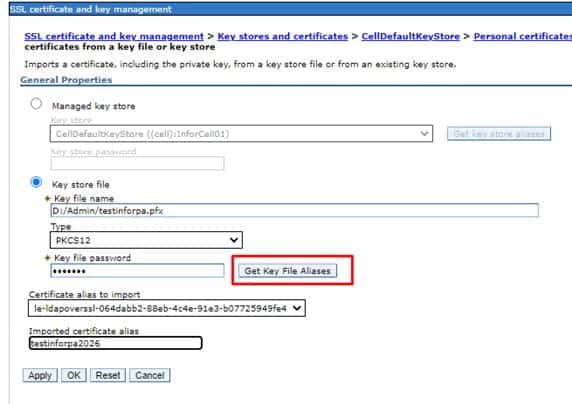
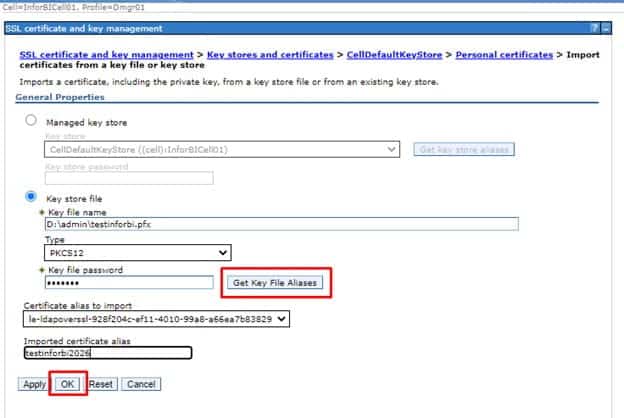
Set the path to where you have saved the file locally, and enter the password. Click “Get Key File Aliases” to get the certificate information. Enter a meaningful alias for the certificate.
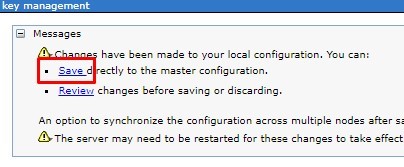
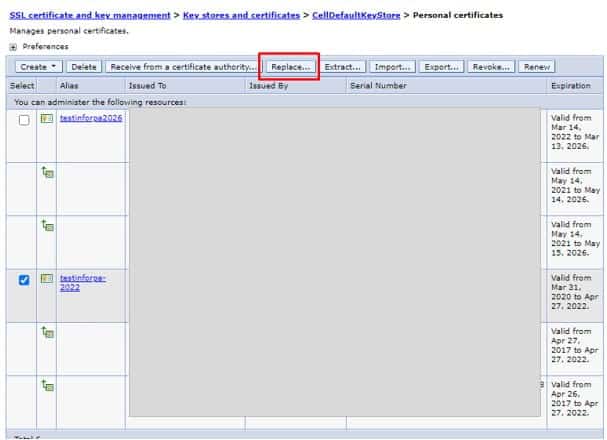
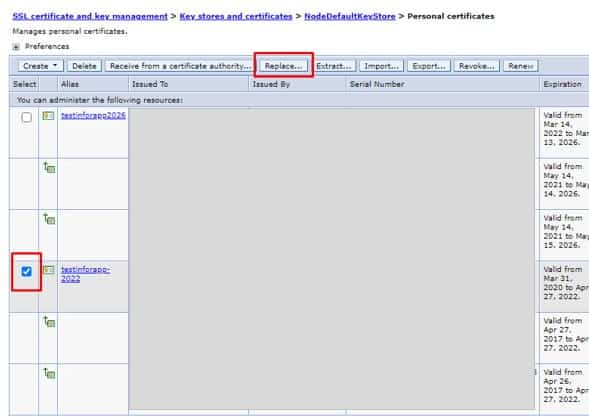
Select the old certificate and click “Replace…”.
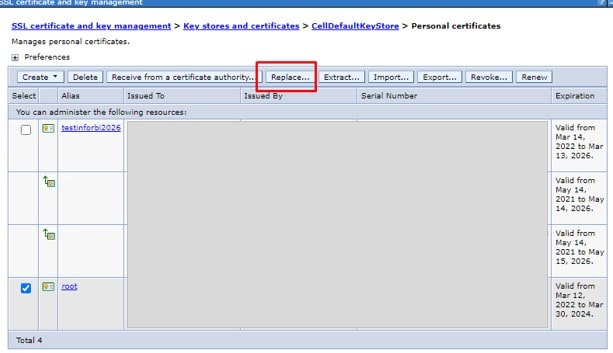
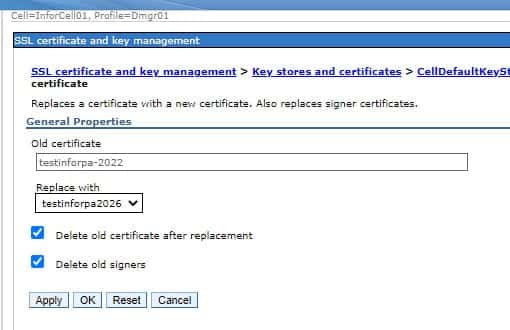
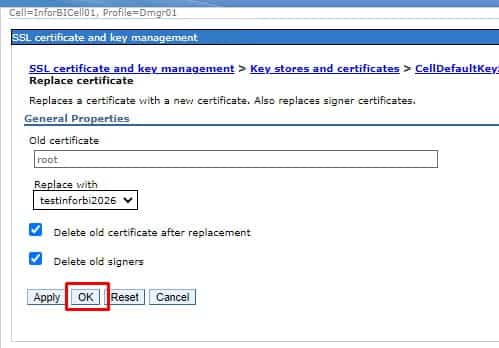
Select the new certificate as the replacement. Check the boxes to Delete the old certificate and signers.
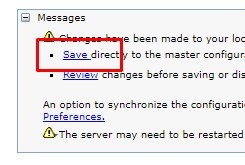
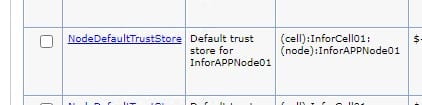
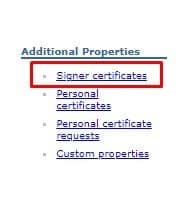
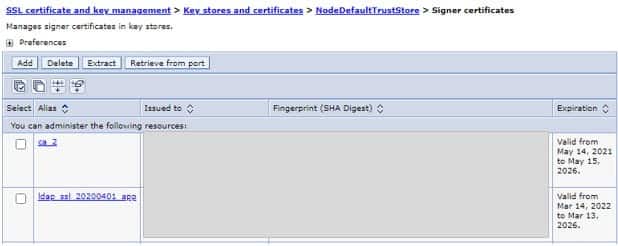
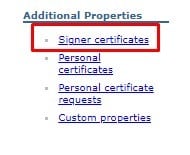
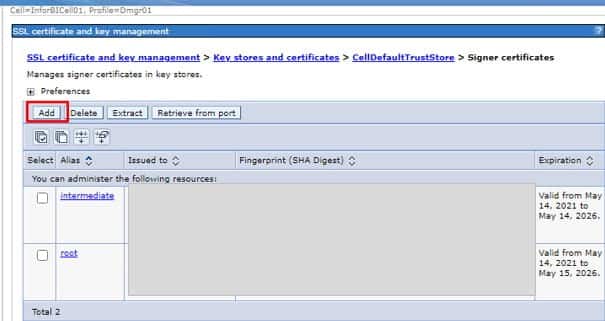
Validate that the Trust Store certs were updated by going into CellDefaultTrustStore > Signer certificates. You can add the intermediate and root certificates (base64 cer files) if they aren’t there.

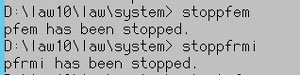
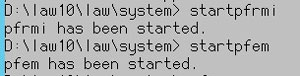
Bounce the application server, and your certificates will be updated!