
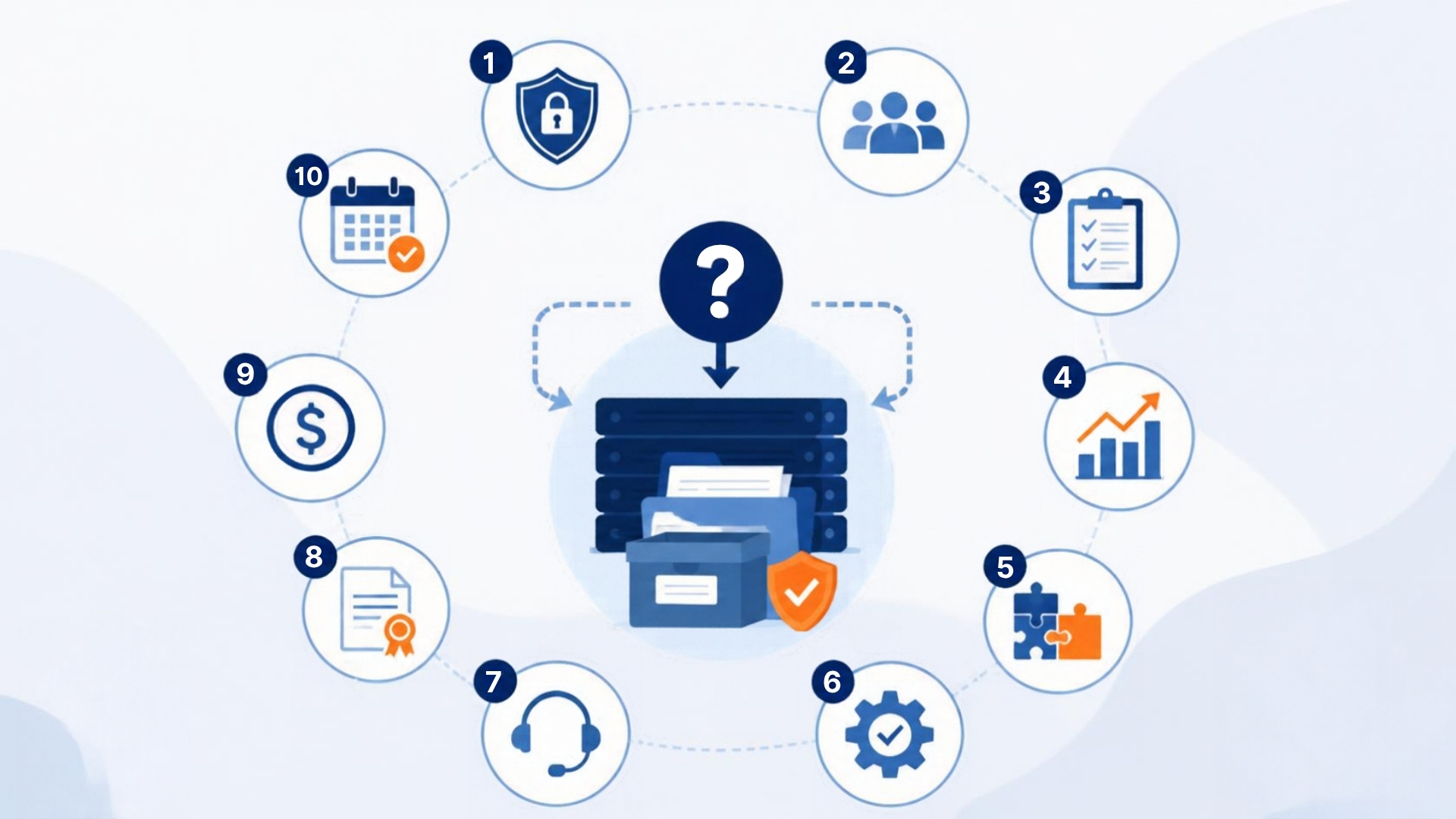
10 Questions to Ask Before You Choose an ERP Archiving Vendor
Every ERP archiving vendor will tell you they “preserve your historical data.” That’s table stakes. The differences that matter show up in where the data lives, who can see it, whether the copy is provably complete, and what happens when you want to leave.
These are the ten questions we’d want answered before signing, whether the vendor is us or someone else.
1. Whose cloud account does the archive run in?
There are two answers. The archive runs in the vendor’s environment (you’re a tenant), or it runs in an AWS or Azure account you own (the vendor deploys and supports it, you hold the keys). The second is the one your security team wants: your data never leaves your control, your existing cloud governance applies, and if the vendor disappears the data is still yours.
APIX deploys into the customer’s own AWS account. It’s the reason the answer to “where is our payroll data” is always “in our account.”
2. Is the archive the whole application, or just the tables?
Ask for the list of what’s excluded. Attachments and comments are the most common omission. So are the reports and inquiries users actually run. A raw table copy is a data lake, not an archive — see our post on the difference between a data lake export and an application archive.
3. How is role-based security handled?
If the answer is “everyone with access can see everything,” stop. The ERP enforced who could see which employees, which companies, which accounting units. The archive must reproduce that or you’ve just built a payroll data breach with a search box.
4. How do users sign in?
The only acceptable answer in 2026 is your identity provider — SAML with Entra ID, Okta, or whatever you already use — so that offboarding someone in AD offboards them from the archive. Separate local accounts on the archive are an audit finding waiting to happen.
5. Can a non-technical user find a record without help?
Have the vendor demo the three lookups your users do most: a vendor’s payment history, an employee’s pay and job history, a GL account’s detail for a period. If the demo involves SQL, the archive isn’t for your users; it’s for the vendor’s consultants.
6. How do you prove the copy is complete?
Row counts per table, checksums, a validation report produced at load time and kept with the archive. “The load job succeeded” is not evidence. Auditors will ask.
7. What format is the data in, and can we get at it directly?
Open formats (Parquet on S3) that your own data team can query with standard tools mean the archive is also a data asset, and mean you’re never trapped. Proprietary stores mean the opposite.
8. What’s the total cost over three years, all-in?
Get the license, hosting, implementation, and cloud consumption in one number, and compare it to what the legacy system costs to keep alive. For a mid-size ERP, APIX typically comes in under $75,000 a year on a three-year term, with cloud consumption for a multi-terabyte archive in the hundreds of dollars a year. Any quote that’s dramatically lower is probably an export, not an archive; any that’s dramatically higher is probably paying for someone else’s infrastructure.
9. How long does implementation take, and what do you need from us?
Weeks, not quarters. The archive should be a well-worn process by now — the vendor has done your ERP before and knows its schema. APIX goes from kickoff to a decommissionable source system in about 30 days, and the customer’s involvement is mostly providing database access and validating results.
10. What happens when we want to leave?
If the archive is in your own account in open formats, leaving is stopping the subscription. If it isn’t, you’re planning your next migration on the day you sign. Ask for it in writing.
Two that aren’t questions
Ask for references in your industry. Healthcare and public sector have specific retention and access requirements; a vendor who has done Mayo Clinic, Boston Medical Center, or DC Water has met them before.
Ask for the SOC 2 report, not a statement that they’re “SOC 2 compliant.” The report tells you what was actually tested.
If you’d like to put these questions to us directly, book a discovery session. We’ll answer all ten and show you the archive running.
Related: ERP Archiving: The Complete Guide to Archiving a Legacy ERP Application
Retiring Lawson, PeopleSoft, or Oracle? APIX archives the entire application — every table, every year, attachments and security included — into your own AWS account in about 30 days, so you can decommission the legacy system and keep full access to the history.

