
Which Lawson Tables Do You Actually Need to Keep When You Retire the System?
Somebody on every Lawson decommission project proposes archiving “just the important tables.” It sounds efficient. It’s also how you end up, two years later, unable to answer a question because the table that held the answer wasn’t on the list.
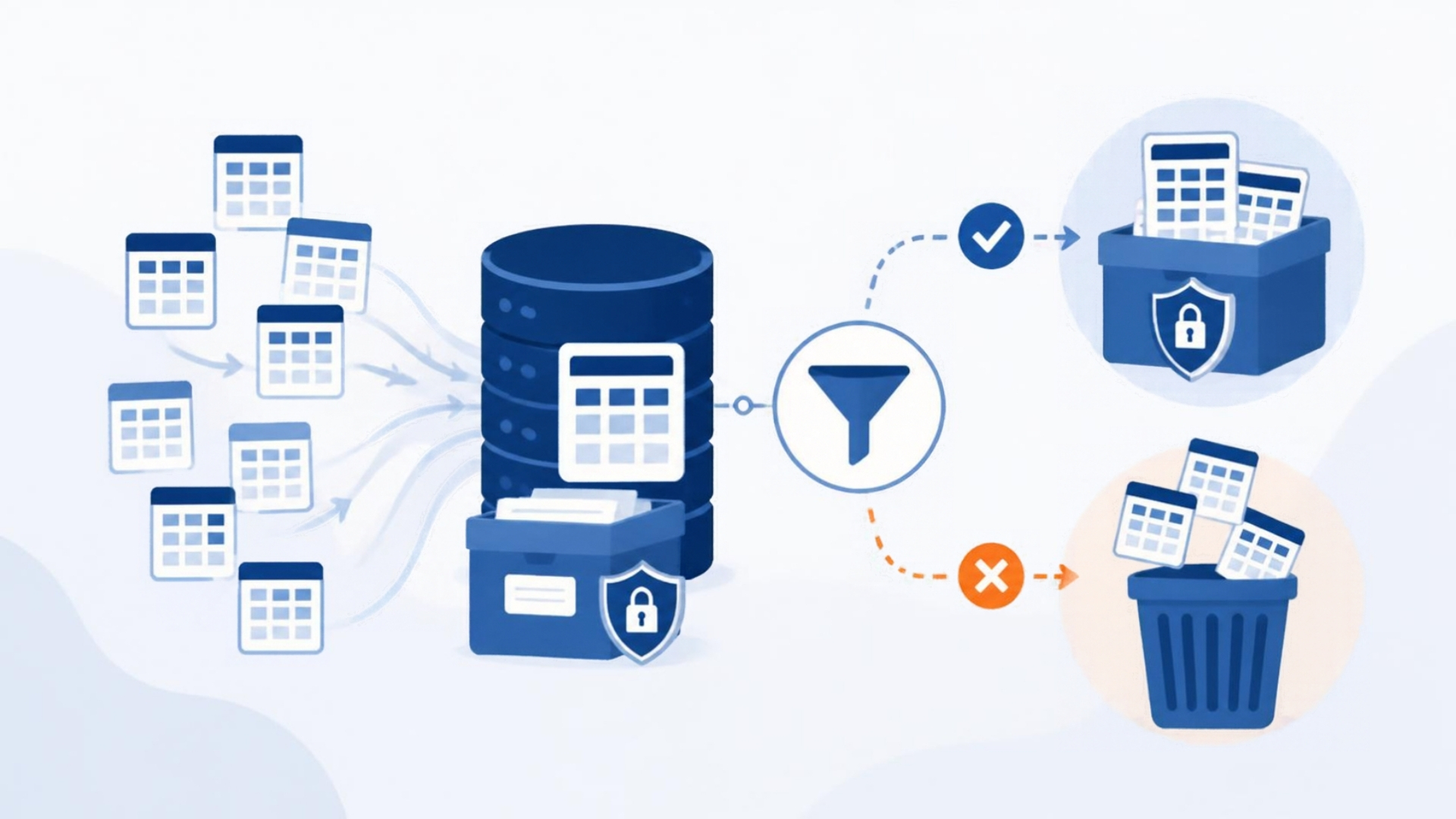
Here’s a practical map of where Lawson keeps the history people actually ask for, and why the right archive scope is the whole database.
The tables people ask about, by question
“What did we pay this vendor, and when?” APINVOICE (invoice header), APDISTRIB (distributions), APPAYMENT (payments), APVENMAST (vendor master, keyed by vendor group). And the one people forget: APAPIHIST, where AP198 has been moving closed invoices for years. If you archive APINVOICE without APAPIHIST, older invoices are simply gone.
“What was this employee’s pay history?” EMPLOYEE and PAEMPLOYEE (master), PAYMASTR (checks), PRTIME (time records), PAYDEDUCTN (deductions), QUARTWAGE and QUARTDED (quarterly tax-reportable wages — what you need for W-2 questions). HRHISTORY and PERSACTION for job and status changes. For benefits: BENEFIT, BNCOMPANY, and the enrollment tables.
“Show me GL detail for this account in 2015.” GLTRANS (posted transactions), GLAMOUNTS (period balances), GLMASTER (accounts), GLNAMES (accounting units), and GLSYSTEM for the company/chart structure without which the amounts don’t mean anything.
“What was on this PO, and did we receive it?” PURCHORDER, POLINE, PORECEIVE and PORECLINE (receiving), MAINVDTL and MAPOINV (invoice matching), and ITEMMAST/ITEMLOC if you need item detail. POVAGRMTHD/POVAGRMTLN if contracts matter.
“What’s attached to this record?” The drill-around attachment structures — L_H<prefix> header and L_D<prefix> data tables, keyed via L_INDEX on the parent. Roughly 230 Lawson tables can carry attachments. These are almost never in a “just the important tables” list and they’re where the scanned invoices and offer letters live.
The tables that make the others usable
Master and code tables look unimportant because they’re small. They aren’t. PCODES, HRCTRYCODE, DEPTCODE, JOBCODE, PRSYSTEM, APCOMPANY, ARCOMP, ICCOMPANY, and the various *SYSTEM tables are what turn process_level = ‘HQ01’ into “Headquarters” and job_code = ‘SALES’ into a title. Skip them and your archive is a pile of codes.
The tables that reproduce security
HRSECLEV, the process-level and company structures in PRSYSTEM and HRHISTORY, and the accounting-unit hierarchy in GLNAMES are what an archive needs to enforce “this HR user sees these process levels only.” An archive that skips them has to make everyone a superuser.
Why “all of them” is the right answer
Add up the lists above and you’ve named maybe 80 tables. Lawson has 1,918. The other 1,800 include the audit tables, the interface staging tables, the customer-specific Z* tables that someone built in 2009 for a reason nobody remembers, and a long tail of setup tables that a specific report depends on.
Storage for the whole database as Parquet on S3 costs less per year than one afternoon of a consultant’s time deciding what to leave out. Archive all of it, and let the application layer decide what to show.
Getting the list right
Every table above links to its page in our Lawson 10 MSP6 data dictionary: fields, types, valid values, indexes, relations, and the programs that update each one. If you’re scoping an archive, or writing SQL against an archive, it’s the reference the Lawson admins used to keep on a shelf.
APIX archives the complete Lawson database — every table, including history, audit, and attachment structures — and reproduces the security model and standard inquiries on top. If you’d like a scoping conversation about your specific environment, book a discovery session.
Retiring Lawson, PeopleSoft, or Oracle? APIX archives the entire application — every table, every year, attachments and security included — into your own AWS account in about 30 days, so you can decommission the legacy system and keep full access to the history.

