

IP Designer Email Node – Using HTML and Inserting Images
Using HTML or inserting images via the IP Designer Email node seems to be a common problem based on the number of forum posts on this topic.
Here are some of the solutions that have been proposed.
USING HTML
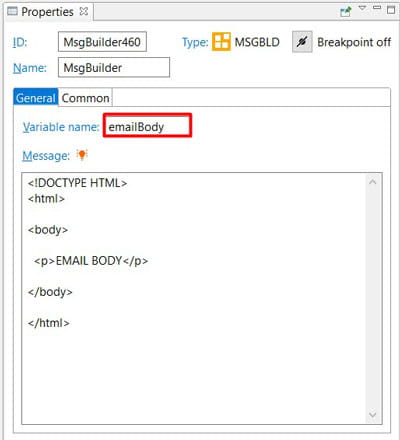
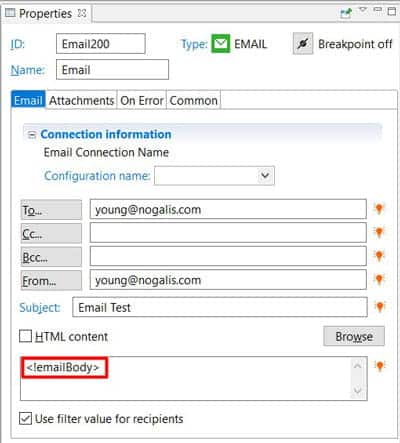
Based on the responses of senior IP Designer users, the gold standard for using HTML in your email is to write the HTML directly into a MsgBuilder node (https://www.nogalis.com/2017/09/12/ip-designer-series-message-builder-node/) so that we can call the MsgBuilder variable name in the email body of the Email node.
INSERTING IMAGES
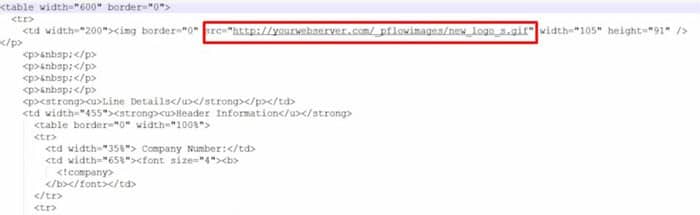
- A simple way to insert images in emails sent by IP Designer Email node would be to compose HTML as shown above and bring in images from web servers.

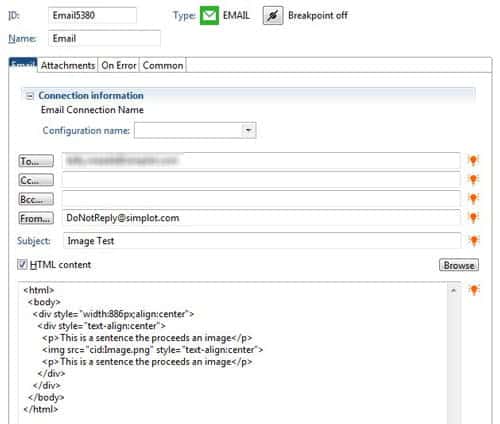
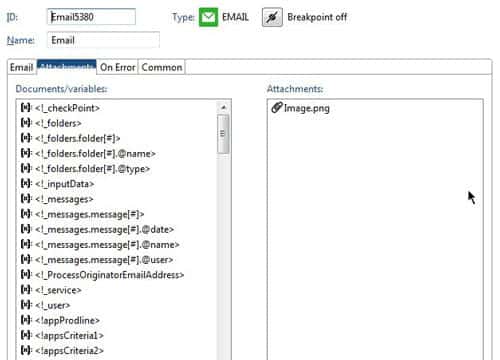
- Another way would be to store the image in the Lawson emailattachments directory in order to attach it in the Email node.In Windows the directory to store the images is: lawsondirectory/bpm/emailattachments
In Unix: lawsondirectory/LPS/emailattachments/


Retiring Lawson, PeopleSoft, or Oracle? APIX archives the entire application — every table, every year, attachments and security included — into your own AWS account in about 30 days, so you can decommission the legacy system and keep full access to the history.

