
Adding a report to an existing list in LBI
- First, check the criteria of the report list
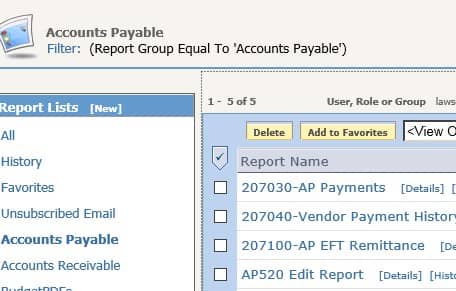
- Go to the Tools tab and select “Reporting Services My Reports”
- Click on your list name
- Make note of the filter

- Some filters use attributes to create lists. If your filter uses an attribute, you would want to add that attribute to your report.
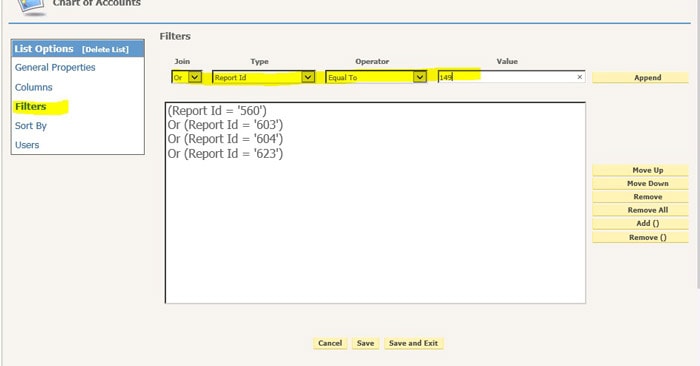
- The list in this example “hard-codes” report id values, so you need to edit the list rather than the report
- Get the ID of your report
- Go back to My Reports and find your report
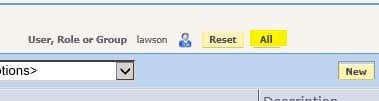
- If you don’t see your report listed, try clicking the “All” button at the top to display reports for all users

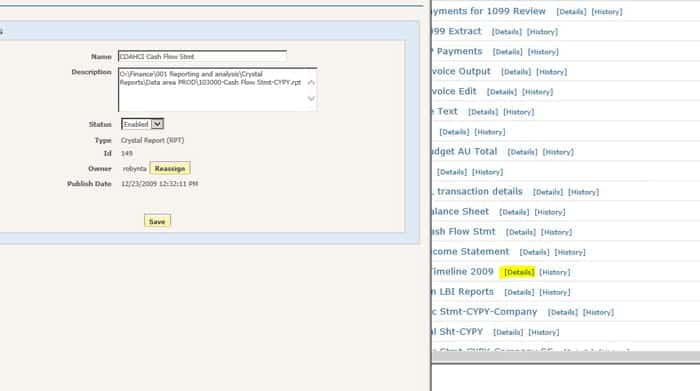
- Navigate to your report in the list and click “Details”
- Make note of the ID

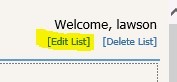
- Go back to your list and click “Edit List” at the top of the screen

- Click Filters
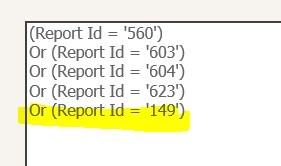
- Add the text “Or (Report Id = ‘<your id>’)
- Click ‘Append’

Here is an example of how to update attributes for a list that works on attributes:
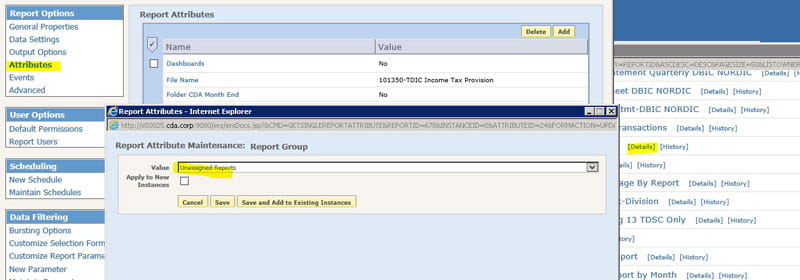
- Follow the steps above to find your list name and get the criteria for your list

- Go to the report that you want to show up in that list
- Click Details
- Click Attributes
- Click Add
- Select the attribute(s) that are used in the list filter
- Select the filter value
Retiring Lawson, PeopleSoft, or Oracle? APIX archives the entire application — every table, every year, attachments and security included — into your own AWS account in about 30 days, so you can decommission the legacy system and keep full access to the history.

