
IFS Security Role Mass Assignment
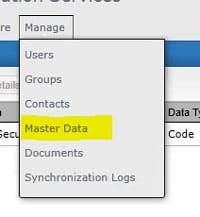
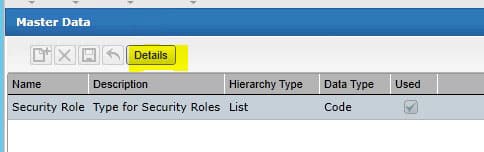
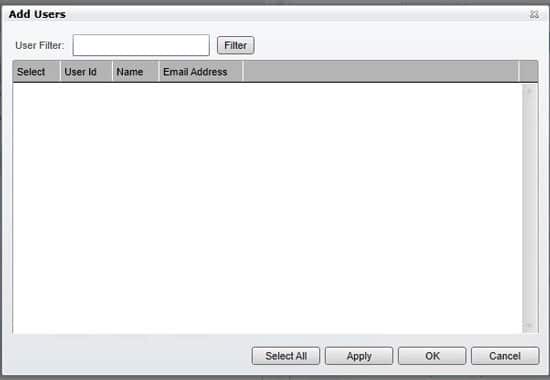
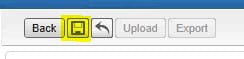
To mass assign security roles to users in IFS, first go to Manage > Master Data. Select “Security Role” and click “Details”. Choose the Security Role for which you want to assign multiple users. On the right side of the screen, click the “Add” button. A list of all users will be displayed. Select the users who should be in that role and click Apply and/or Ok. Click Save at the top.
Retiring Lawson, PeopleSoft, or Oracle? APIX archives the entire application — every table, every year, attachments and security included — into your own AWS account in about 30 days, so you can decommission the legacy system and keep full access to the history.

