
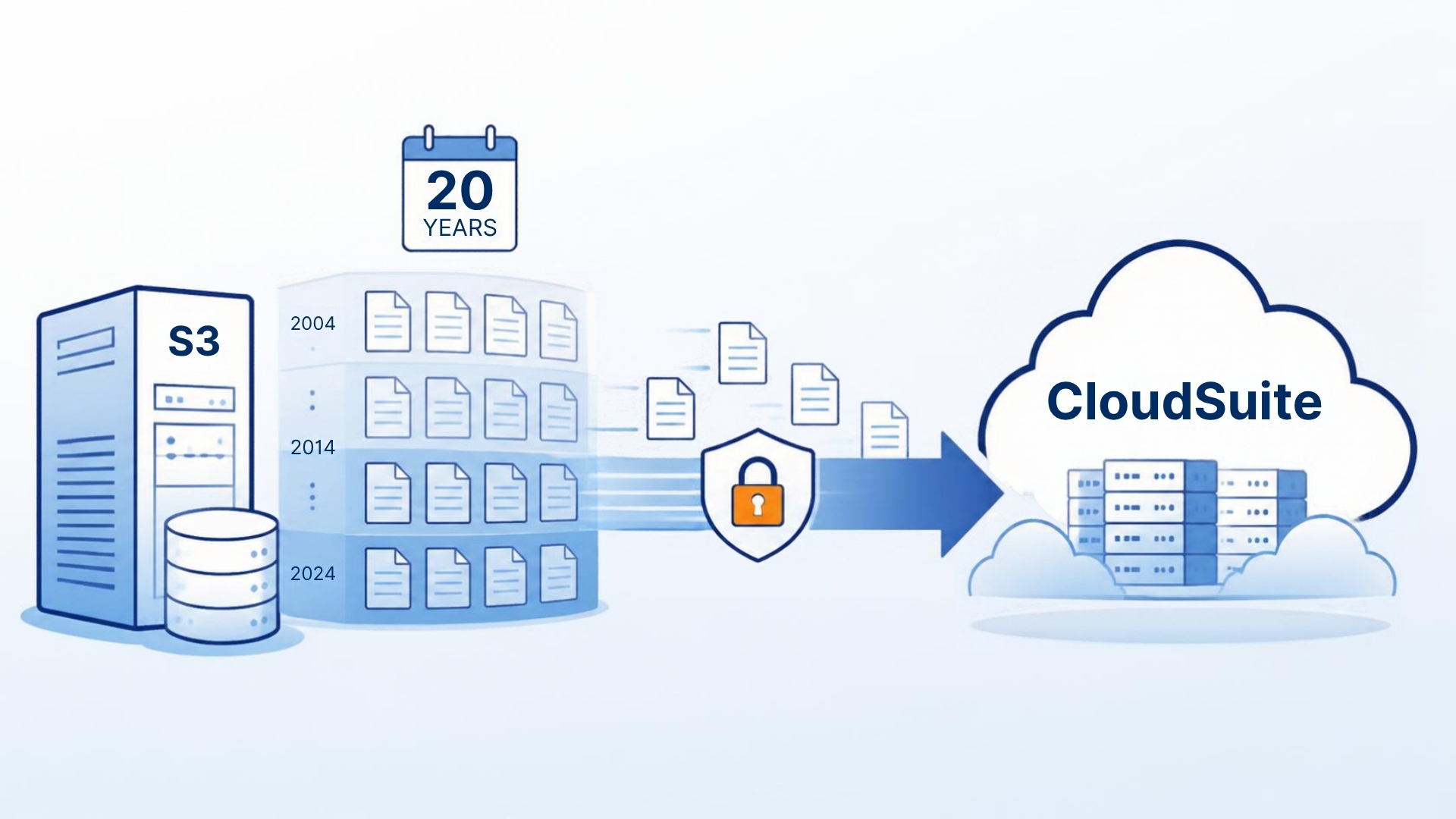
Moving from Lawson S3 to CloudSuite? Here’s What to Do With 20 Years of History
Every Lawson-to-CloudSuite project hits the same decision about six weeks in: how much history goes to the new system? The migration partner wants as little as possible — open AP, open PO, current-year GL balances, active employees. Finance and HR want all of it. Both are right, and the way to satisfy both is to stop treating it as one question.
Split the problem
There are two different needs hiding in “we need our history.”
Operational continuity. The new system has to open with the right balances, open items, and active records so business runs on day one. This is a small, well-defined slice — typically one to three fiscal years and current master data — and it’s what the migration team should load. Loading more slows the project, complicates reconciliation, and puts twenty-year-old data through a conversion it wasn’t designed for.
Historical access. Someone will need to look up a 2012 vendor payment, a terminated employee’s pay history, a closed PO from before the reorg. That need is real, it’s permanent (see retention requirements), and it has nothing to do with CloudSuite. It’s a lookup problem, not a migration problem.
Once you separate those, the answer is obvious: migrate the operational slice, archive everything, decommission Lawson.
What “archive everything” means for Lawson specifically
Lawson S3 v10 has roughly 1,900 tables across 49 systems. A complete archive includes:
- All transactional tables plus the *HIST tables that batch jobs like AP198 and PR197 have been writing to for years. A common mistake is archiving APINVOICE and forgetting APAPIHIST.
- The audit tables (*AU) if you rely on them for change history.
- Drill-around attachments and comments (L_H* / L_D*), linked back to their parent records.
- The security model: process-level, company, and accounting-unit restrictions reproduced as roles so an HR user in one process level can’t see another’s.
- The lookups people run: HR11-style employee inquiry, AP vendor payment history, GL account detail by period, PO and receiving history, benefits enrollment history.
If you want to see exactly what’s in each table, we publish the complete Lawson 10 data dictionary — every table, field, index, and the programs that update them.
Timing: before or after go-live?
Both work. The trade-off:
Archive before go-live. The archive is validated while Lawson is still live and the people who know it are still around, so validation is easy. The migration team can point users at the archive for history from day one, which reduces pressure to over-migrate. Lawson still runs until cutover, so there’s a period with both.
Archive after go-live. Simpler sequencing — one project at a time — and the archive captures the true final state of Lawson, including whatever cleanup happened during migration. The risk is that “after go-live” becomes “after we stabilize” becomes “next year,” and Lawson keeps running, keeps costing, and keeps being on the audit scope. We see a lot of read-only Lawson systems that were supposed to be decommissioned two years ago.
Our recommendation: start the archive during the migration project, load the final snapshot right after cutover, and set a decommission date in the migration plan with a name next to it.
The decommission itself
- Final snapshot to the archive after the last Lawson transaction.
- Validation: row counts and checksums per table, plus twenty known records checked by real users.
- Written sign-off from AP, payroll, HR, and finance that the archive meets their needs.
- Logins disabled; 30-day observation period.
- Environment decommissioned; hosting and database licenses cancelled; DR plan and retention schedule updated to point at the archive.
The archive load itself — extract, load to your AWS account, index, secure, validate — takes about 30 days with APIX. Health systems like Broward Health and The Christ Hospital, and organizations like Covenant Living and The PGA Tour, have taken this route: CloudSuite (or another ERP) for the business, APIX for the history, Lawson turned off.
If you’re in the middle of a CloudSuite project and the history question is on the table, book a discovery session. We’ll help you draw the line between what migrates and what archives.
Retiring Lawson, PeopleSoft, or Oracle? APIX archives the entire application — every table, every year, attachments and security included — into your own AWS account in about 30 days, so you can decommission the legacy system and keep full access to the history.

