
Retiring a Legacy ERP in the Public Sector: Records Law, Open-Records Requests, and Turning the Old System Off
Public entities run their ERPs longer than anyone. Utilities, school districts, counties, and authorities that installed Lawson or PeopleSoft in the early 2000s are moving now, and the legacy system they leave behind holds two decades of payroll, GL, procurement, and vendor records that public records law says must be kept and, on request, produced.
This is for the IT director or applications manager in a public entity who owns that legacy system.
The obligations are different in the public sector
Three things are true for a public entity that aren’t for a private company:
Retention is set by statute and schedule, not policy. State records-retention schedules dictate periods by record type. Payroll and personnel records commonly run the length of employment plus a period; financial and procurement records seven to ten years; some records permanent. The schedule applies whether the record is on paper, in the live ERP, or in an archive.
The public can ask for it. Open-records and FOIA requests for payroll data, vendor payments, and contract history are routine. The records officer has a statutory response deadline, and “it’s in the old system and nobody can run it anymore” is not an acceptable answer.
Grants get audited. Federal grant recipients must keep records three years from the final expenditure report (2 CFR 200.334), and single-audit findings can reach further back. The GL and AP detail that supports a grant drawdown lives in the ERP.
What that means for the archive
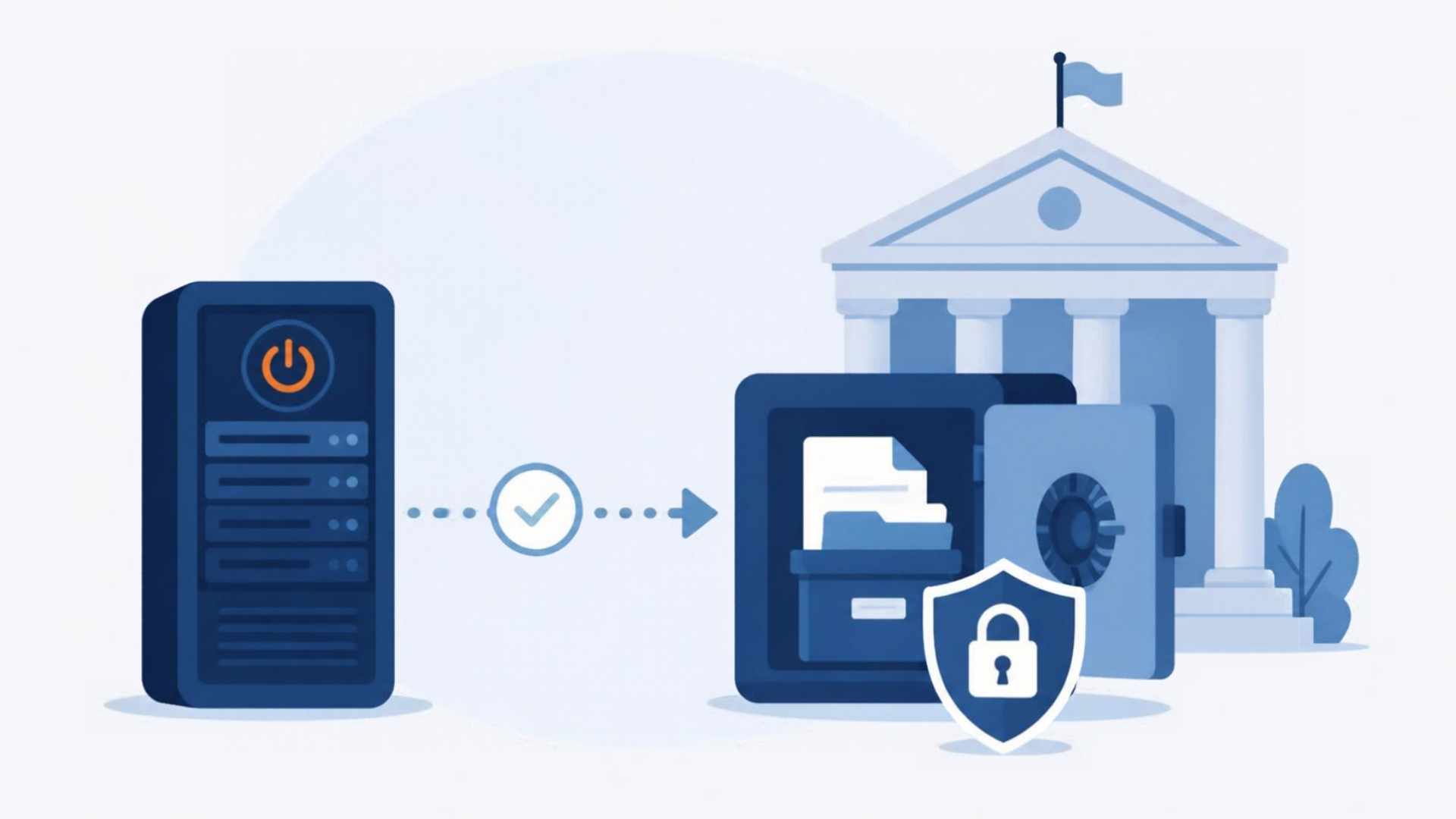
The archive isn’t a backup. It’s the system of record for closed periods, and the people who need it are records officers, auditors, and finance staff — not DBAs. It has to:
- Hold everything: every table, every year, attachments included. Public entities almost never have a defensible reason to delete ERP history.
- Be searchable by a non-technical person, by vendor, employee, account, PO, or check number, with results they can export for a records request.
- Enforce access: payroll data in a utility is still confidential; an open-records request gets what the law allows, not the whole table.
- Sign on through the entity’s identity provider, so access follows employment.
- Live in a cloud account the entity controls — often a requirement for data-residency and procurement reasons, and always the right answer for records that must outlast any vendor.
The procurement angle
Public entities often can’t buy a multi-year SaaS subscription easily, and they frequently already have an AWS relationship through a state contract or a reseller. An archive that deploys into the entity’s own AWS account — where the entity pays AWS directly for consumption and the vendor for the software — fits existing procurement far better than a vendor-hosted service. It also answers the “where is our data” question on the RFP with one word: ours.
Who has done this
DC Water archived its retired ERP history with APIX, as did Chesapeake Public Schools. In both cases the pattern was the same: a new ERP for operations, APIX for the full history in the entity’s own AWS account, and the legacy environment decommissioned rather than kept running on the network for another decade.
The business case for a public entity
It’s the same as everywhere — a read-only legacy ERP costs $200K–$500K a year all-in to keep alive — but the public-sector version has a sharper edge: that money is a budget line the board sees, and an unsupported system holding employee SSNs is a finding in the next IT audit. Turning it off is both a cost reduction and a risk item closed.
Getting started
Pull the retention schedule that applies to your entity’s financial and personnel records. List who still uses the legacy system and for what. Get the current hosting and support cost. Then book a discovery session and we’ll map the ERP’s data to the schedule, show you the archive running, and put a decommission date on the calendar.
Retiring Lawson, PeopleSoft, or Oracle? APIX archives the entire application — every table, every year, attachments and security included — into your own AWS account in about 30 days, so you can decommission the legacy system and keep full access to the history.

