
Keyboard Shortcuts for Productivity – The Short List (Windows)
For those who spend a large part of their day behind a screen, keyboard shortcuts are great and the time saved by using these shortcuts definitely accrues over time. You are losing precious seconds of productivity every time you lift your hand off the keyboard to use the mouse instead. Effectively using keyboard shortcuts can cut that wasted time down.
Most of us are already familiar with the most common keyboard shorts such as cut/copy/paste/undo/redo (ctrl+x/c/v/z/y).
At one point or another, we all have probably seen some type of chart online that shows all the possible keyboard shortcuts. This list is a bit daunting to take in at once and difficult to commit to memory unless you actually sit down and make it a point to memorize all the shortcuts. Even then, I find that it quickly fades from memory if not put to regular use.
Therefore I wanted to create this short list of keyboard shortcuts that I actually use in my daily work:
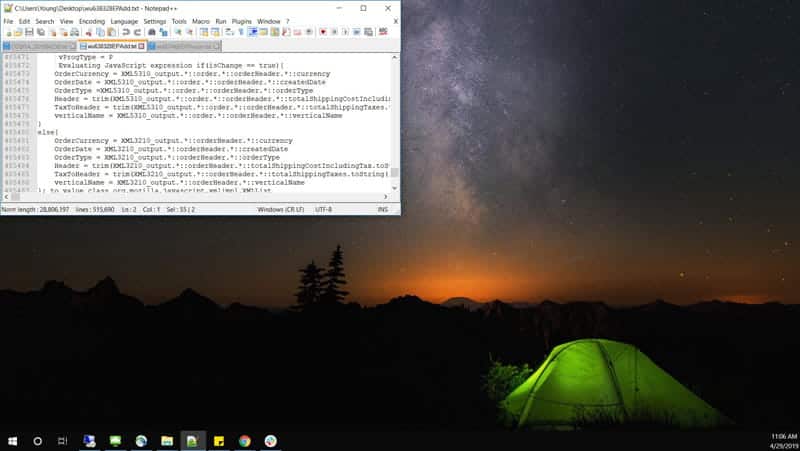
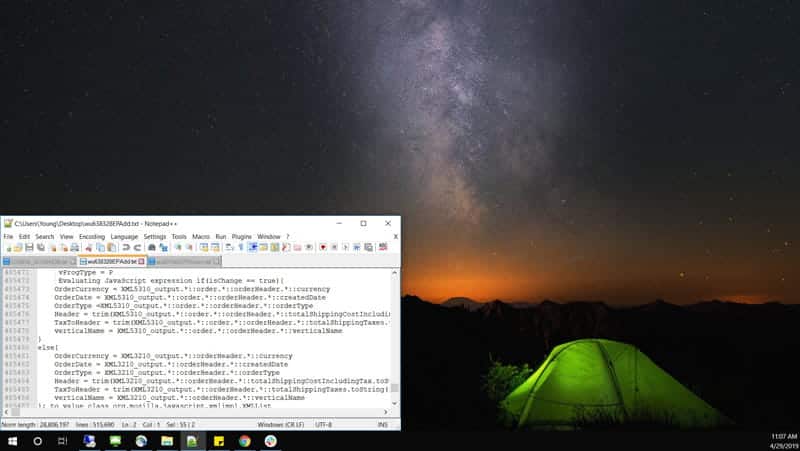
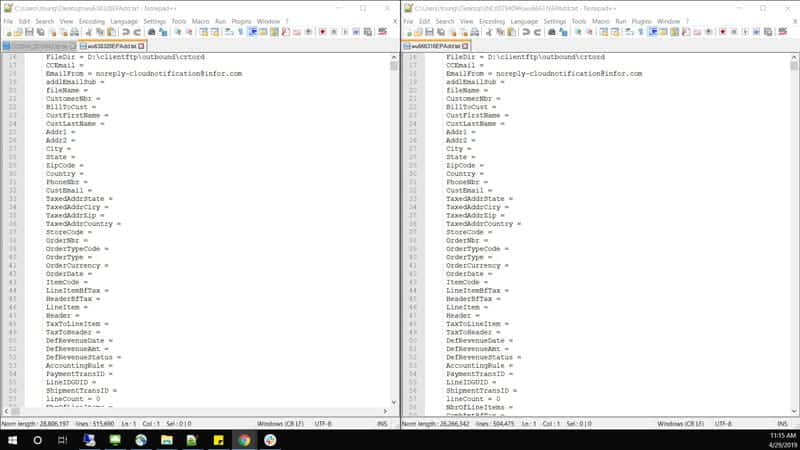
- Windows key + Arrow direction key – Snaps app window to left/right side/corner of screen
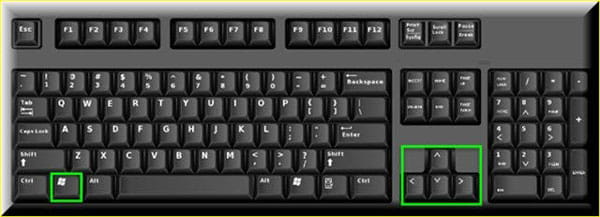 Examples:
Windows key + Left arrow direction key – left side

Windows key + Right arrow direction key – right side

Windows key + Left arrow direction key then Windows key + Up arrow direction key – left upper corner
Windows key + Left arrow direction key then Windows key + Down arrow direction key – left lower corner
Windows key + Up arrow direction key – Maximize window
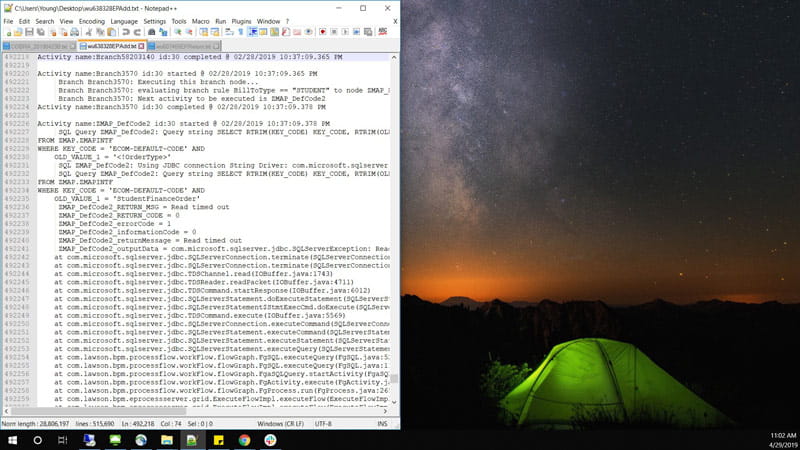
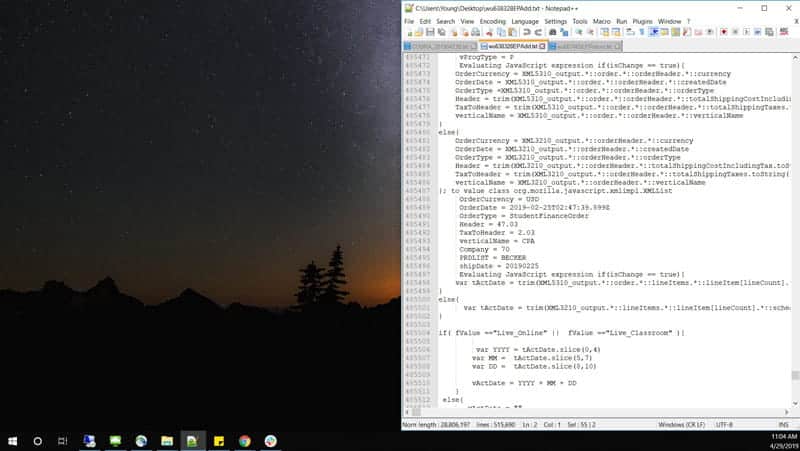
Windows key + Down arrow direction key – Minimize windowThe most common use case for me is when I want to compare two similar files. For example, sometimes I pull up an erroring work unit log on the left side and a normal, functioning log on the right to compare the two and see where the path diverges. There are also times that I will compare an old backup file to a new modified one to visualize the changes.
- Windows key + E – Opens File Explorer
- Windows key + M – Minimizes all windows (useful for quickly accessing desktop shortcuts)
Windows key + Shift + M – Restores all minimized windows
Windows key + Comma – Temporarily peek at the desktop - Windows key + S – Opens Windows search.
Simply start typing the program/file name after pressing Windows key + S. Useful for opening programs/files quickly. - Ctrl + Shift + V – Paste as plain text. I use this at least a couple of times a day. This is especially useful when composing emails with copied snippets from other sources.Ctrl + V:

Ctrl + Shift + V:


Retiring Lawson, PeopleSoft, or Oracle? APIX archives the entire application — every table, every year, attachments and security included — into your own AWS account in about 30 days, so you can decommission the legacy system and keep full access to the history.

