
Update the Micro Focus License Manager
In Lawson version 10.0.8, you may encounter performance issues followed by the dreaded “error occurred outside of IOS” notification. If you run into these issues, check your event viewer. If you see an error like the one below, you may need to reinstall the Micro Focus license manager. Here are the steps to do install it.
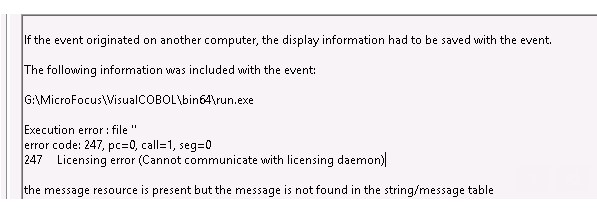
- Go to ftp://asqcust:AbaEsdu7Rf@amerftp.microfocus.com/supportdownload/CES/lmsetupx64.msi and download the msi
- Place the file on your Lawson application server
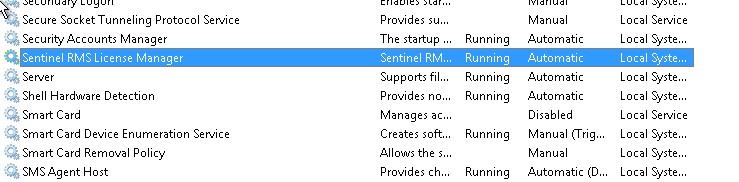
- On the Lawson application server, stop the Sentinel RMS License Manager service

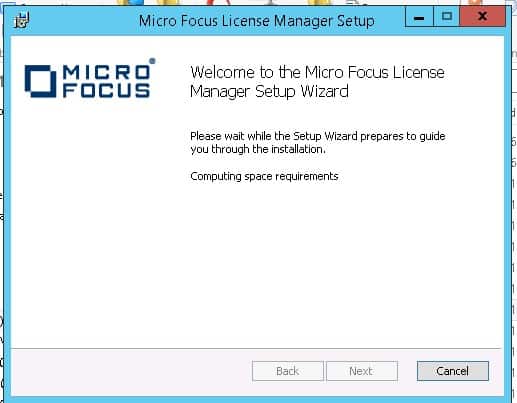
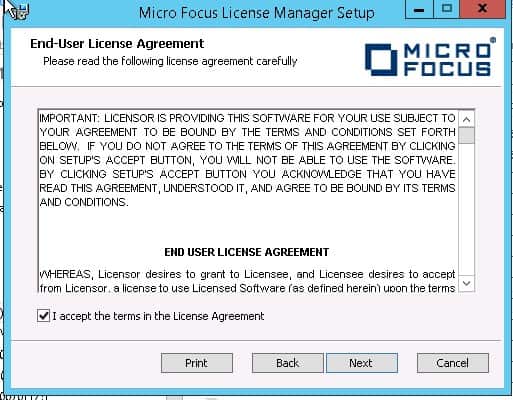
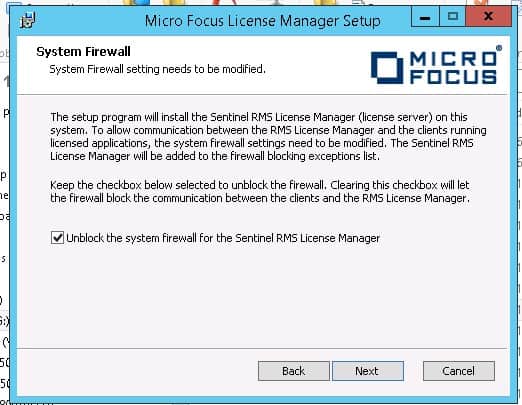
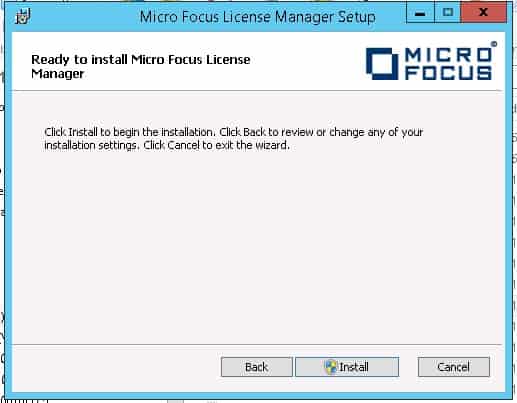
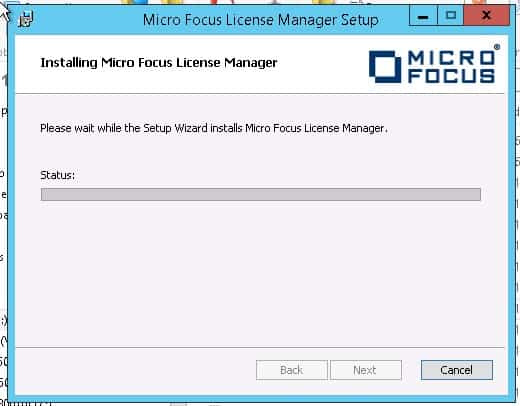
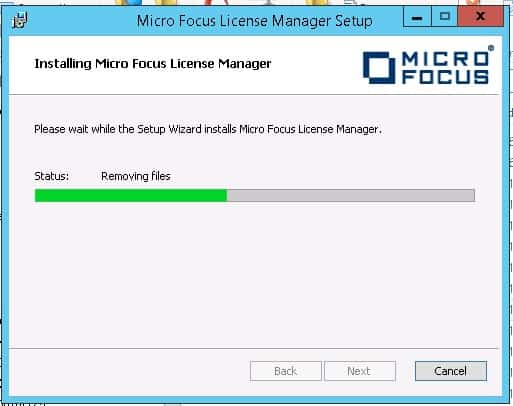
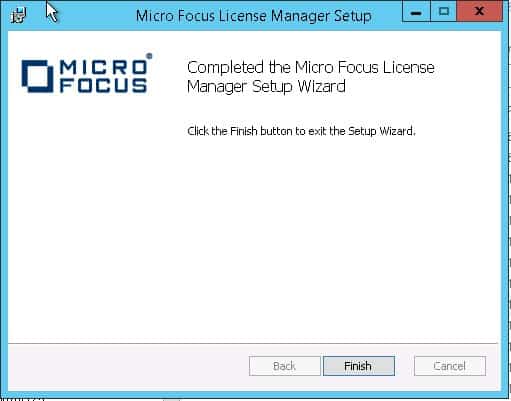
- Double-click the installation file and follow the steps


- The Sentinel RMS License Manager service should be restarted after the installation is complete
Retiring Lawson, PeopleSoft, or Oracle? APIX archives the entire application — every table, every year, attachments and security included — into your own AWS account in about 30 days, so you can decommission the legacy system and keep full access to the history.

