
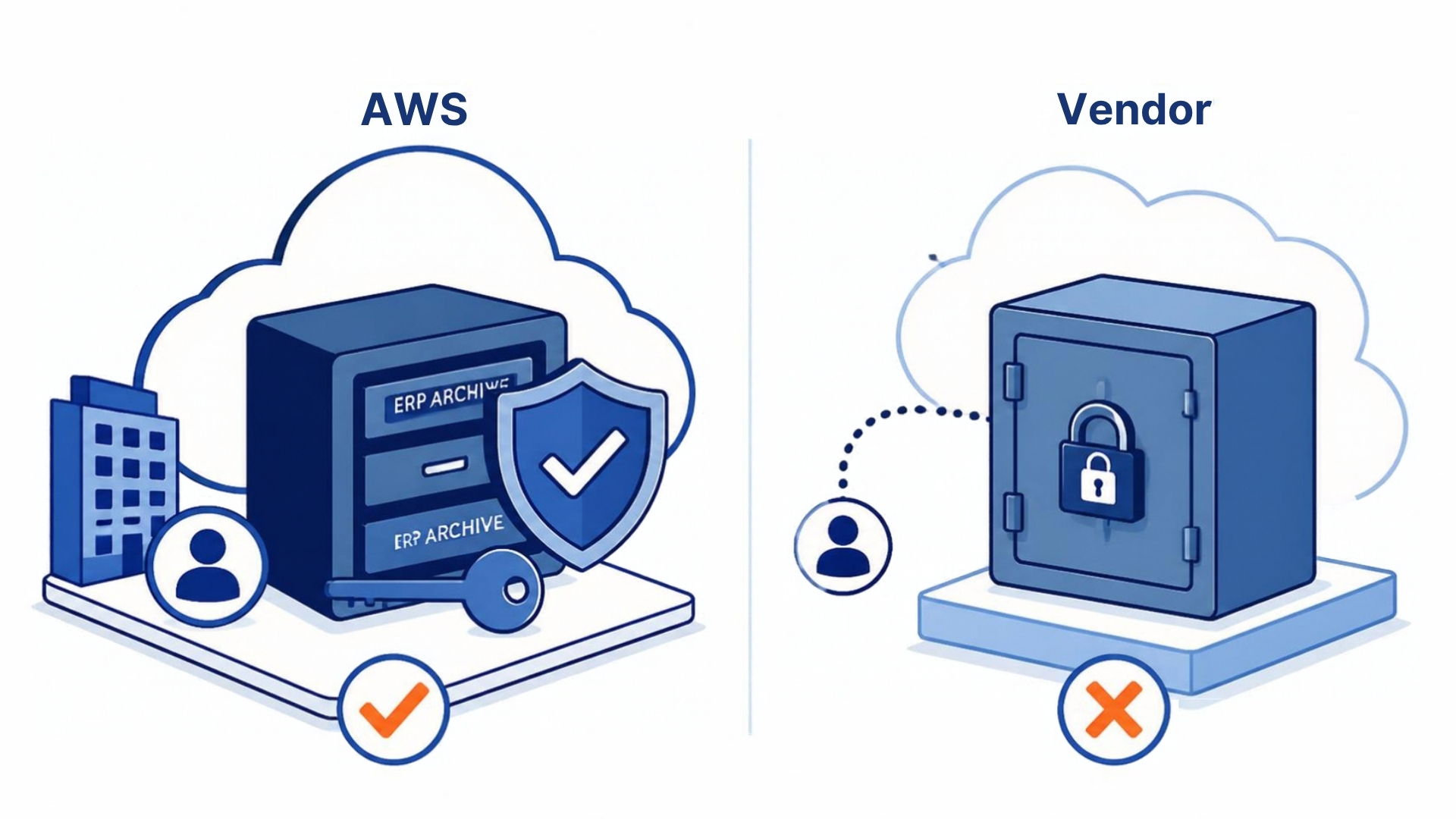
Why Your ERP Archive Should Live in Your Own AWS Account, Not the Vendor’s
Most SaaS archiving products work the same way: you send the vendor your data, it lives in their cloud, and you log in to their service to see it. That’s convenient for the vendor. It’s the wrong model for twenty years of payroll, GL, and vendor data, and your security team will tell you so the first time they read the contract.
Here’s why the archive should run in an AWS account you own, with the vendor deploying and supporting the software inside it.
Security review gets short
When the archive is in your account, your existing controls apply: your organization’s IAM policies, CloudTrail logging, GuardDuty, Security Hub, encryption keys, network boundaries. The archive is one more workload under governance you already have, not a new third party holding your most sensitive dataset. The vendor-security questionnaire goes from forty pages to “does the software do anything outside our account?” — and the answer is no.
This matters most in healthcare and public sector, where the question “where is our data physically” has a regulatory answer. Mayo Clinic, Boston Medical Center, and DC Water run their retired ERP history inside their own AWS accounts for this reason.
Access is your identity provider, not the vendor’s user list
An archive in your account authenticates against your SAML provider — Entra ID, Okta, Ping. Users sign in with the same credentials, MFA, and conditional access as everything else. When someone leaves, disabling them in AD disables the archive. Nobody maintains a separate user list at the vendor, and nobody discovers three years later that a former payroll manager still has access.
The vendor can disappear and the data doesn’t
Archives outlive vendors. A ten-year retention obligation is longer than most software companies’ product lifecycles. If the archive is in the vendor’s cloud, their acquisition, pivot, or shutdown is your migration project. If it’s in your account as Parquet on S3, the worst case is that the application layer stops being supported and your data is still exactly where it was, in an open format, queryable with Athena.
That’s also your exit: leaving the vendor is stopping the subscription. There is no “export” step because the data never left.
Cost is visible and small
Serverless architecture in your own account means you see the actual consumption on your AWS bill. For a multi-terabyte ERP archive that gets queried a few hundred times a month, that’s typically a few hundred dollars a year — S3 storage plus Athena queries plus a small amount of Lambda. There’s no hosting fee hiding infrastructure markup, because there’s no infrastructure the vendor is renting to you.
The data is a data asset, not a hostage
Once the archive is in your account in open formats, your analytics team can point Redshift, QuickSight, or Snowflake external tables at it. Twenty years of GL and payroll history becomes something you can analyze rather than something you can only look up. Vendor-hosted archives generally prevent this, or charge for it.
What the vendor still does
None of this means running it yourself. In the APIX model, Nogalis deploys the application into your account, maintains it, updates it, and supports your users; you own the account and the responsibilities that come with it (account security, monitoring, backup policy — the same things you already do for every AWS workload). Nogalis support staff access is through a dedicated, MFA-protected account you can disable at any time.
The one-line test
Ask the vendor: “If we stop paying you tomorrow, where is our data and who can reach it?” If the answer is “in your AWS account, and only you,” the model is right. If the answer involves an export process, a retention period, or a fee, it isn’t.
APIX is built on the first answer. To see how the deployment works in your own account, book a discovery session.
Retiring Lawson, PeopleSoft, or Oracle? APIX archives the entire application — every table, every year, attachments and security included — into your own AWS account in about 30 days, so you can decommission the legacy system and keep full access to the history.

