

Creating Favorites
To view and manage favorites in the Infor Lawson Portal, follow these steps below.
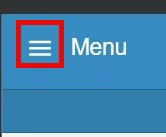
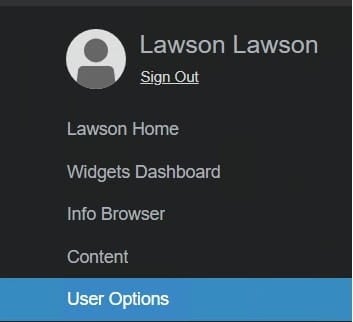
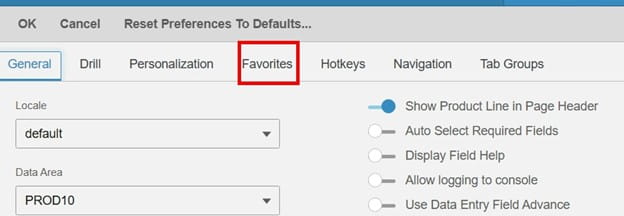
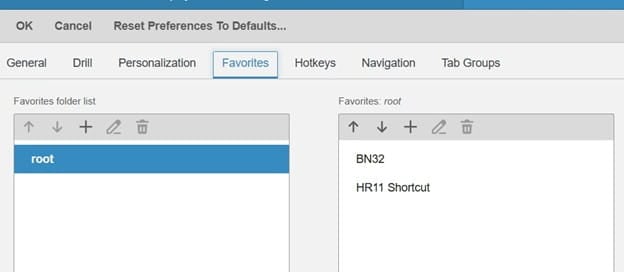
From the home page, select the hamburger icon beside Menu > User Options and select the Favorites tab to view the Favorites configuration.
URL / Token
The URL is a direct link to an external site, and the token is what’s available to your user, within a specified data area and system code

Click Save to add the new favorite item to your Favorites list. You can also click “Edit Favorites” directly on the home page, then click the Add icon to create new favorites, such as URLs, tokens, or custom forms.
Retiring Lawson, PeopleSoft, or Oracle? APIX archives the entire application — every table, every year, attachments and security included — into your own AWS account in about 30 days, so you can decommission the legacy system and keep full access to the history.

