
How to Fix users not seeing bookmarks even though they have access Lawson v10
Follow the quick guide below to learn how to fix users not seeing bookmarks even though they have access Lawson v10.
Problem:
When logged in to the Lawson v10 dashboard, you notice that the user is missing a Manager Self-Service bookmark (see screenshot):

Resolution:
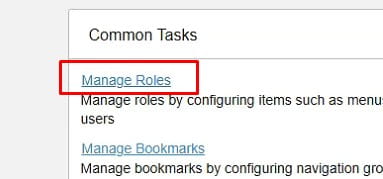
As an admin, navigate to “Manage Roles” on your Lawson Homepage:
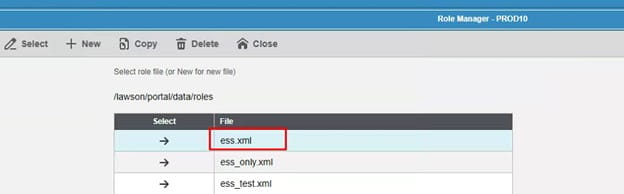
Select the portal role assigned to user (if default.xml, then create a new one):
Next, enable “Allow use of menus and user defined bookmarks”:

This should now show the additional bookmarks the user has access to:

They may have to log out then log back in to see the changes made. That’s it!
Retiring Lawson, PeopleSoft, or Oracle? APIX archives the entire application — every table, every year, attachments and security included — into your own AWS account in about 30 days, so you can decommission the legacy system and keep full access to the history.

