
Lawson Expense Management – Re-Routing an Expense Report in XM App
Problem:
An Expense Report needs to be re-routed immediately for someone else to approve ASAP. Follow these steps to quickly solve this issue.
Solution:
1. First, log in to Mingle and Open the Infor XM App under the Applications section.
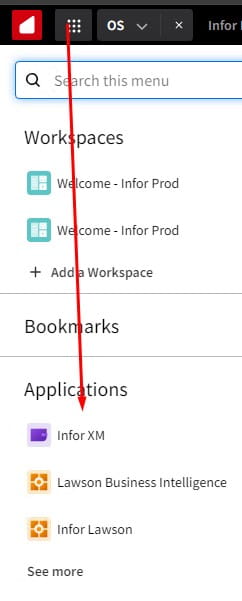
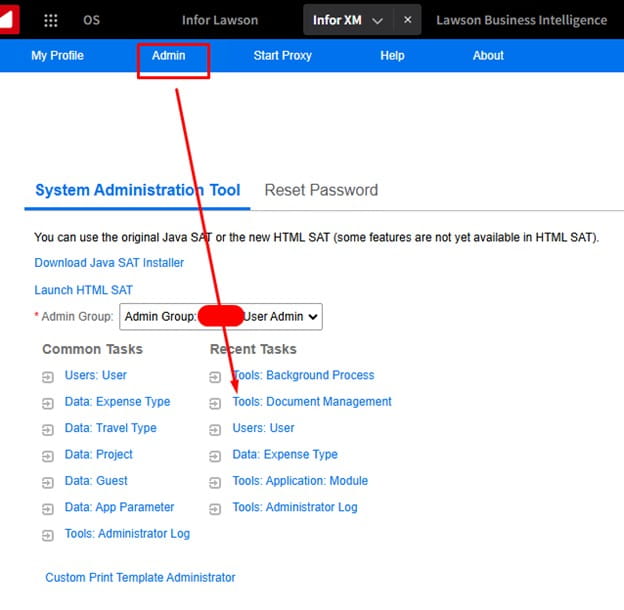
2. Go to Admin >> Tools Document Management (note: admin permissions required)
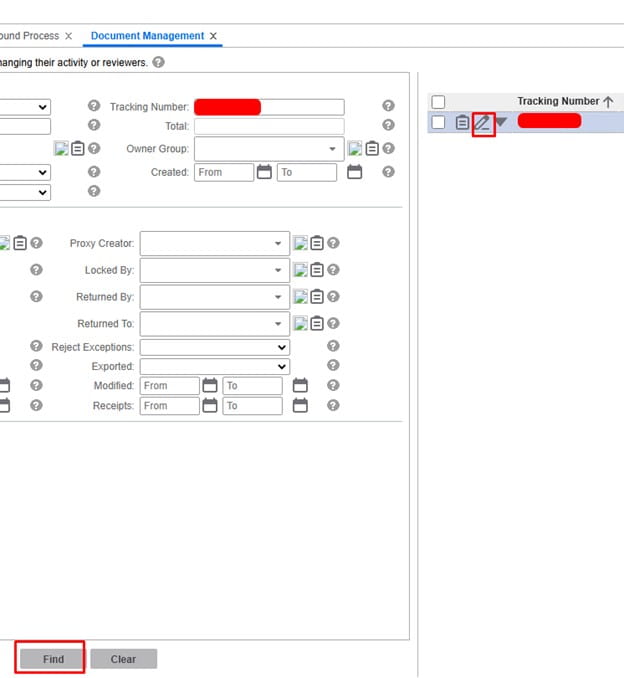
3. Next, search your expense report and Edit it:
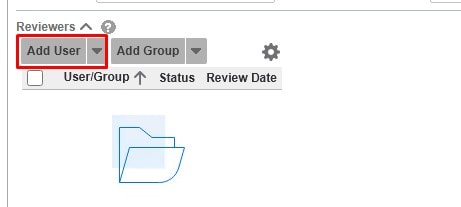
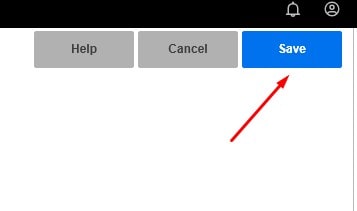
4. At the bottom left, remove any existing users and add the user you want to approve, then click Save at the top right of the screen:
The user you add will now see the Expense Report and will be able to process it.
Retiring Lawson, PeopleSoft, or Oracle? APIX archives the entire application — every table, every year, attachments and security included — into your own AWS account in about 30 days, so you can decommission the legacy system and keep full access to the history.

