
Managing and Using Tab Groups in Lawson Portal 10.1
Tab groups in Lawson Portal allow you to organize and manage multiple tabs, enabling you to switch between workflows efficiently. A tab group is a collection of tabs that can be opened all at once, replacing the currently open tabs. This functionality helps streamline your work when managing multiple tasks.
Using Tab Groups
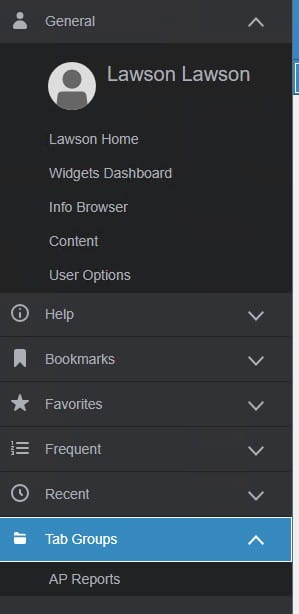
If you have tab groups assigned to you, they are displayed in the Navigation Menu under the Tab Groups category. A lock icon indicates groups assigned by an administrator. You can hover over the tab group items to preview the tabs they contain. When you click a tab group, a dialog will ask if you want to replace your current tabs. You can opt to skip this confirmation in the future by checking a box.
Managing Tab Groups
You can create and customize tab groups for your own use:
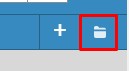
- Create a new tab group: Click the folder icon in the tabs bar to save your current open tabs as a new group. You’ll be prompted to name it.

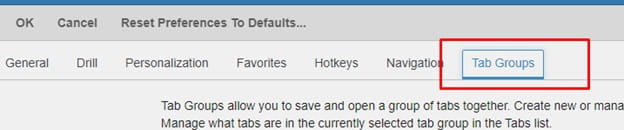
- Manage existing groups: Navigate to User Options > Tab Groups to view and manage your saved groups. Here you can rename, add, delete, reorder, share, or import groups. You can also create empty tab groups by specifying a name and adding tabs later.
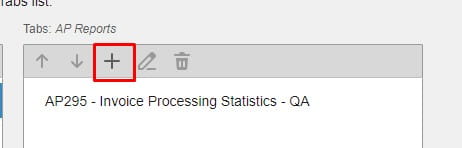
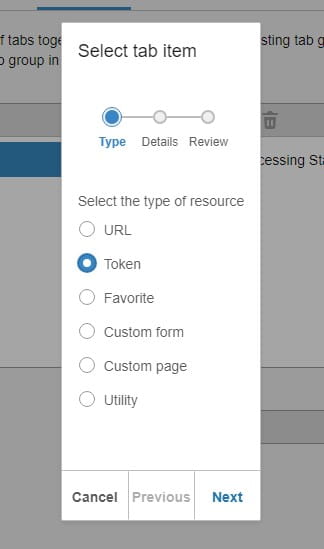
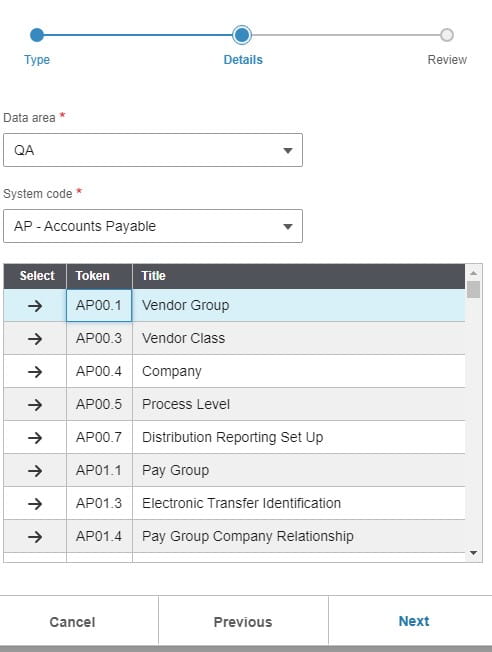
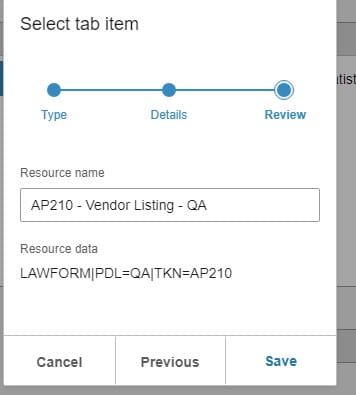
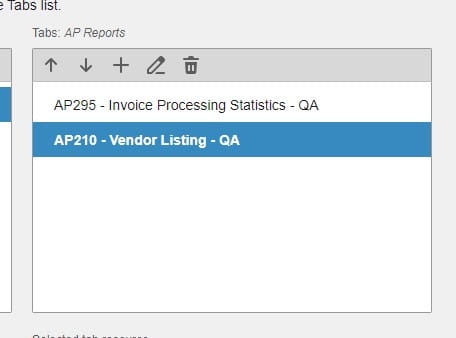
Within a tab group, you can modify individual tabs:
- Tabs list management: When selecting a tab group, the associated tabs appear in the Tabs list. You can add, edit, delete, and reorder tabs here. To add a new tab, the Resource Wizard will help you choose from various options, such as a URL, Token, Favorite, Custom Form, Custom Page, or Utility.
Sharing Tab Groups
You can share your tab groups with others by clicking the Share icon in the Tab Groups list toolbar. You can also import tab groups using the Import icon.
When sharing a tab group:
- You can rename the tab group before sharing it. Renaming does not affect the original items in the sender’s list.
- The recipient can also rename the tab group after importing it. The shared tab groups will then appear in the recipient’s list of saved tab groups.
Tab groups make it easy to manage multiple workflows in Lawson Portal, providing flexibility and efficiency when handling various tasks. By creating, sharing, and organizing tab groups, you can optimize your workspace for better productivity.
Retiring Lawson, PeopleSoft, or Oracle? APIX archives the entire application — every table, every year, attachments and security included — into your own AWS account in about 30 days, so you can decommission the legacy system and keep full access to the history.


Leave a Reply
Want to join the discussion?Feel free to contribute!