

How to Do a Spreadsheet Designer
Using Spreadsheet Designer
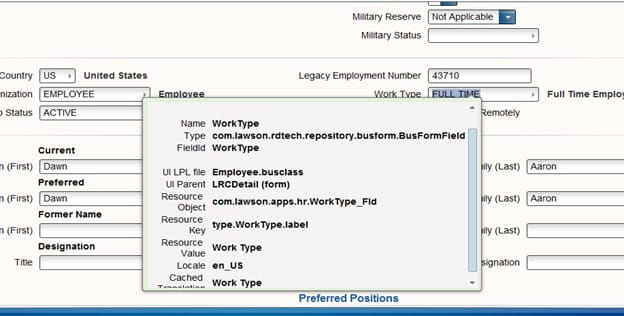
Go to the field and do a Ctrl + shift and left click on your mouse, this will give you the Business class that you will need to have and the name of the field. In this example we will be looking at the Employee business and the field Work Type
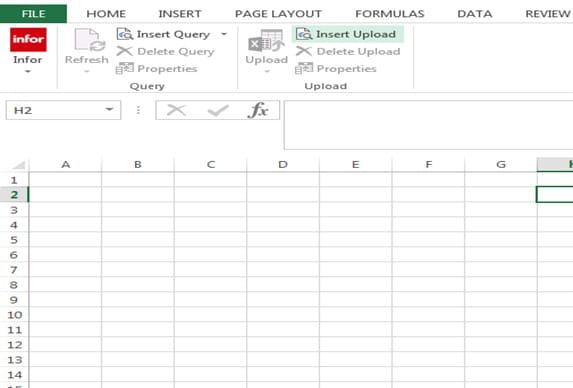
Let’s open up Excel and go to the Infor tab, and we will be doing a query. Go to the Insert Query and click on the drop down arrow
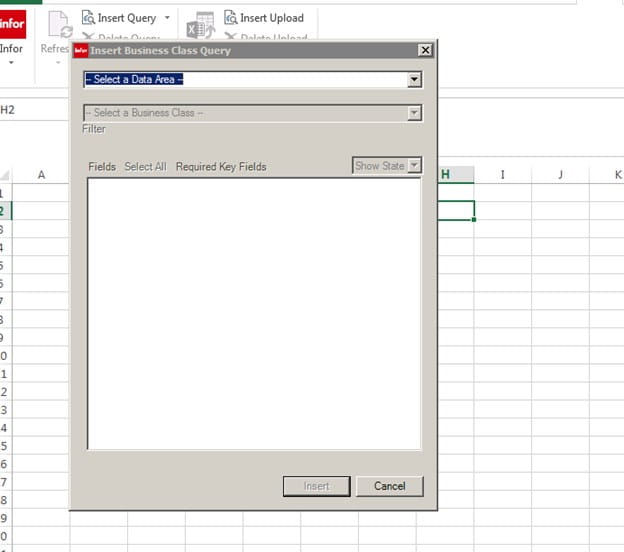
This box will appear, do a drop down and pick the environment name for your Data Area
In the second box, we will be typing in the business class, in this example it will be Employee
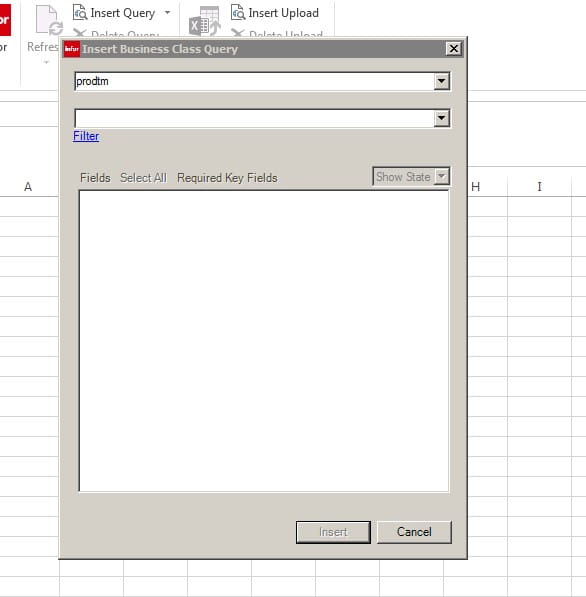
As you are typing in the second box the business class will appear
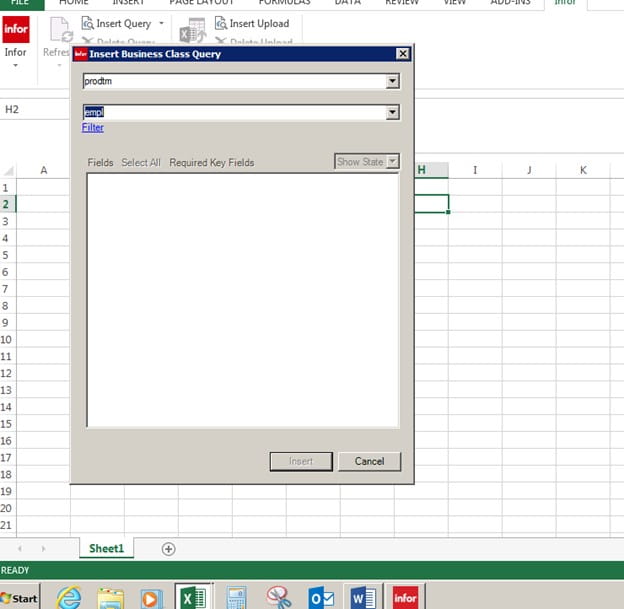
Now you see all the field that you can pick from under Employee Business Class. The ones that are Orange are required fields and need to be in your Query. The Employee is the Employee ID number
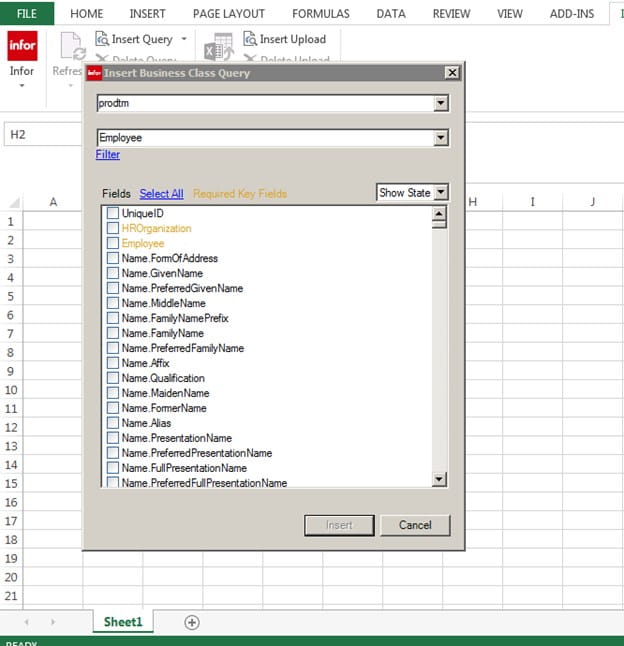
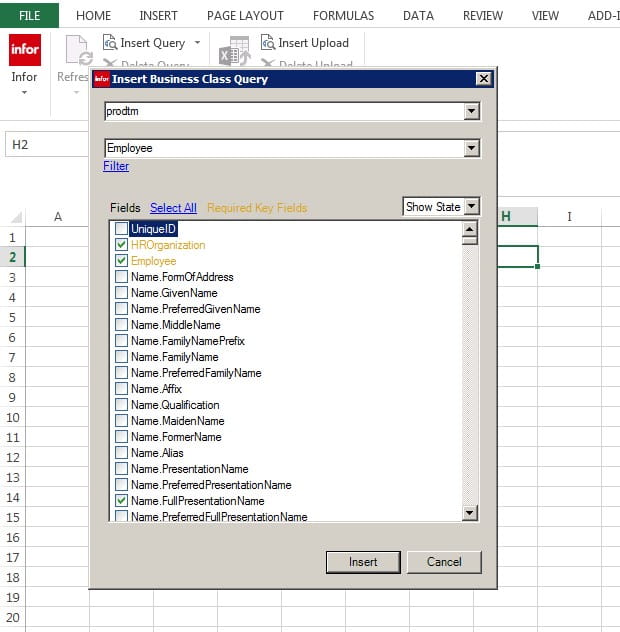
We will be using for this example the following fields,
HROrganization
Employee
Name.FullPresentationName
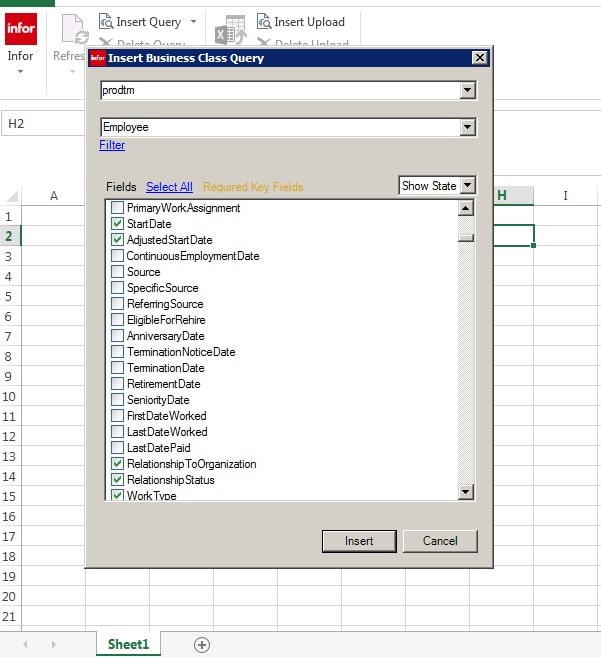
Scroll down and pick
StartDate
Adjusted Start Date
Relationship to Org
Relationship Status and click on Insert
Go to the Employee and rich click on your mouse, pick Add to Filter
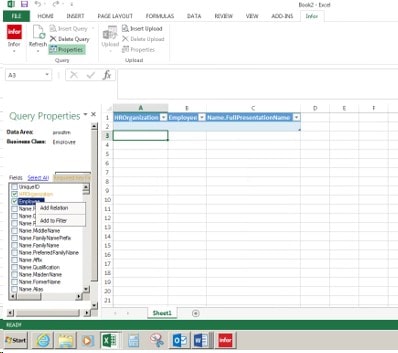
Go to the bottom of the Insert, and you will see Employee. Next to Employee, under Value enter your Employee ID number.
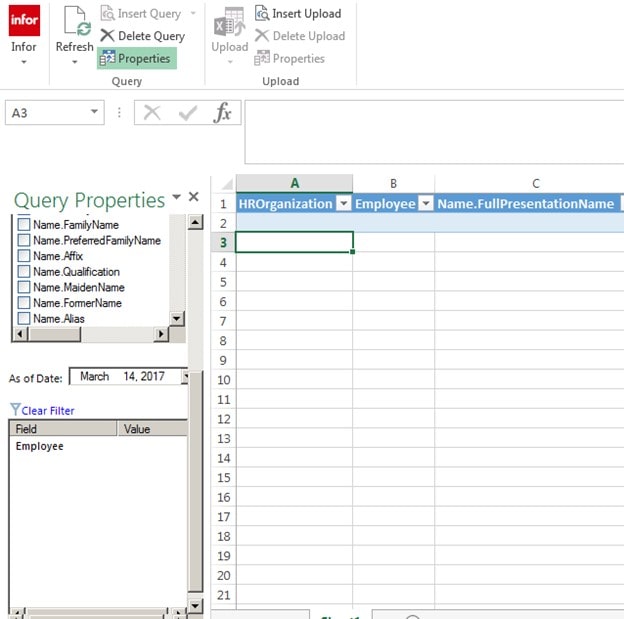
Like Below
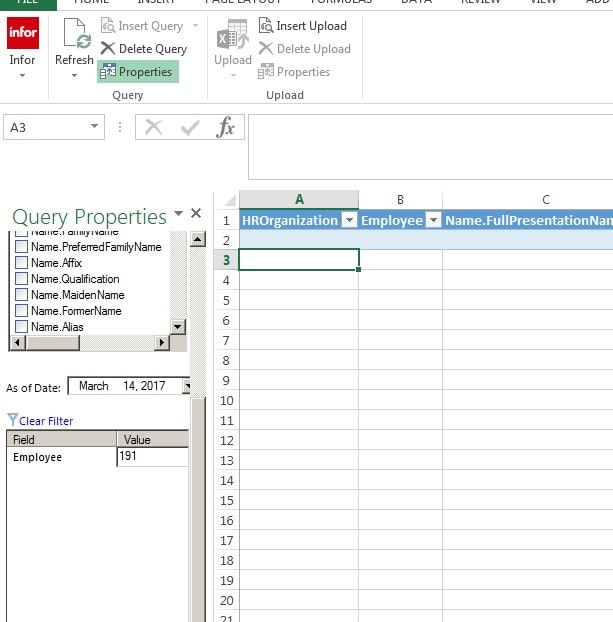
Now click off that field
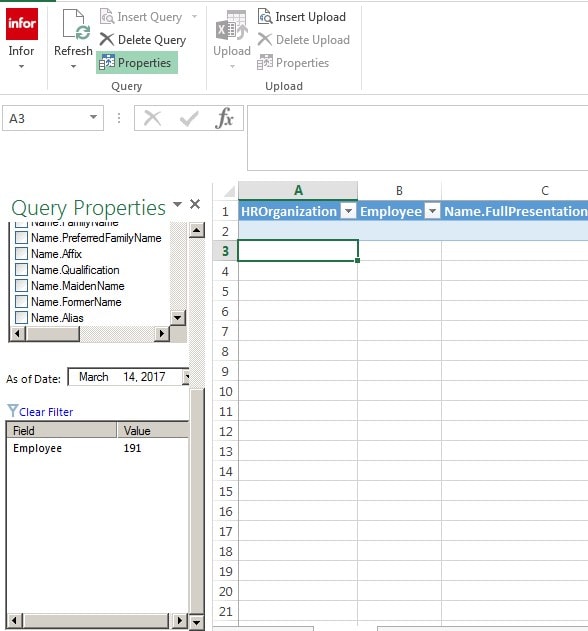
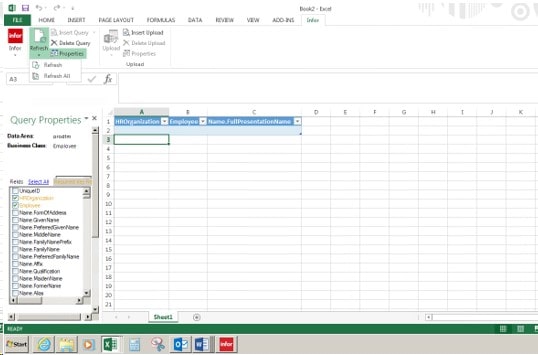
Go to Refresh at the top of the page by the Infor sign and do a drop down
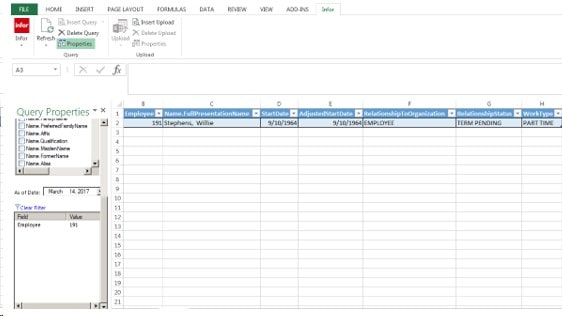
We will be clicking on Refresh
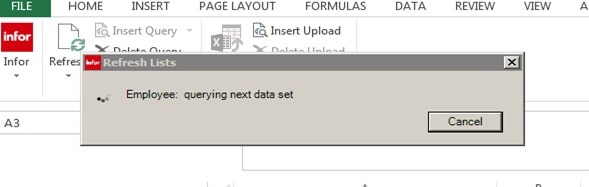
This box will appear
Your Information will appear,
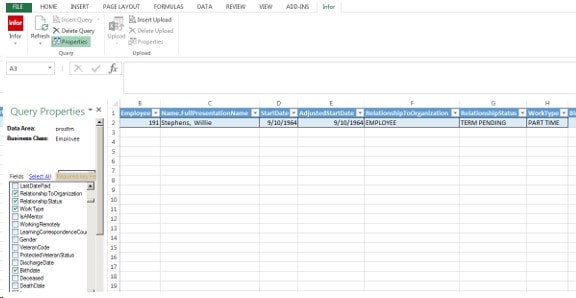
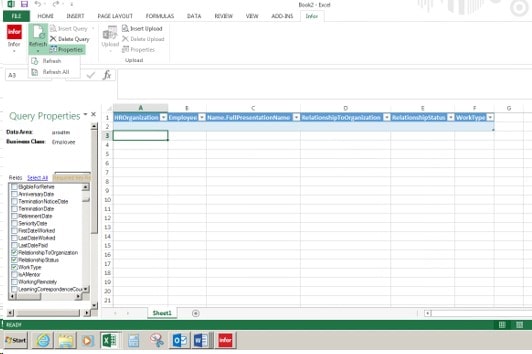
Now let add Work Type to our report, Find the Field Work Type and check the box,
Click on Refresh again and the Work Type Information will be part of your Report
Retiring Lawson, PeopleSoft, or Oracle? APIX archives the entire application — every table, every year, attachments and security included — into your own AWS account in about 30 days, so you can decommission the legacy system and keep full access to the history.


Leave a Reply
Want to join the discussion?Feel free to contribute!