

How to fully uninstall CRAS
Sometimes uninstalling Crystal Reports Application Server from the Programs utility leaves behind extra “stuff” that needs to be removed. Else, you won’t be able to upgrade or reinstall CRAS.
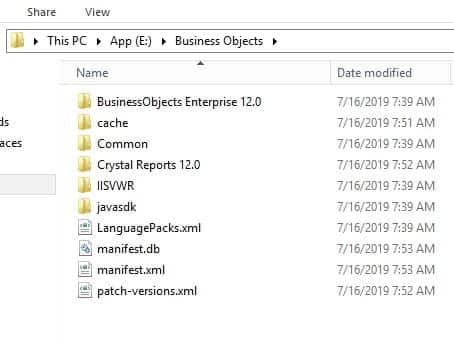
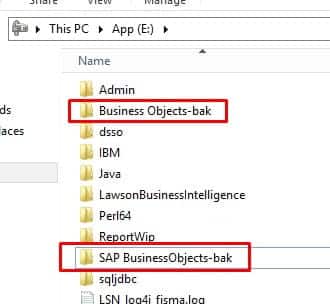
To clean up CRAS after an uninstall, first make sure install files are deleted (usually under the Business Objects or SAP BusinessObjects folder).
Next, delete the following registry keys:
HKEY_LOCAL_MACHINE\SOFTWARE\SAP BusinessObjects
HKEY_CURRENT_USER\Software\SAP BusinessObjects
HKEY_USERS\S-#-#-##-…-####\Software\SAP BusinessObjects
The number signs (#) represent a series of numbers that are different on each computer.
Restart the computer
You should now be good to install a new version of CRAS.
Retiring Lawson, PeopleSoft, or Oracle? APIX archives the entire application — every table, every year, attachments and security included — into your own AWS account in about 30 days, so you can decommission the legacy system and keep full access to the history.

