
Command to Force Landmark Configuration Changes
After making changes to Landmark application configuration or security configuration, it is not always necessary to restart Landmark. You can force configuration changes via command line, or in Rich Client.
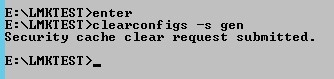
To force changes via command line, open a Landmark command with environment variables set. Run the command clearconfigs -s <data area> to clear the security caches. Other options are -a for authendat, or blank for all (clearconfigs gen).

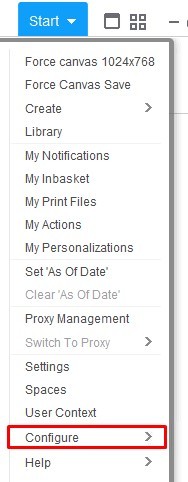
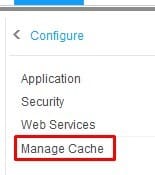
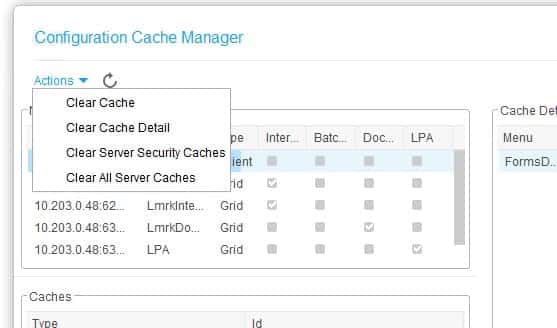
To perform this task in Rich Client, Go to “Start > Configure > Manage Cache”. Then select “Actions > <the cache you wish to clear>”
Retiring Lawson, PeopleSoft, or Oracle? APIX archives the entire application — every table, every year, attachments and security included — into your own AWS account in about 30 days, so you can decommission the legacy system and keep full access to the history.

