
Roll Back WebSphere Application Server
Occasionally there may be a need to revert to an earlier version of a WAS fix pack. The IBM Installation Manager has a “Roll Back” feature that works just for this purpose.
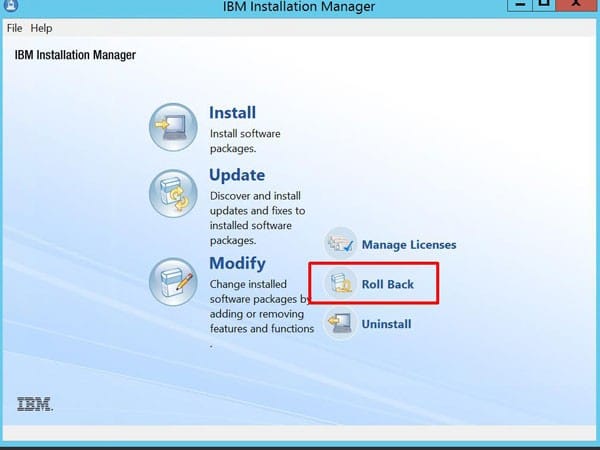
To roll back WAS, first stop all running IBM services. Then, open the IBM Installation Manager. Select “Roll Back”.
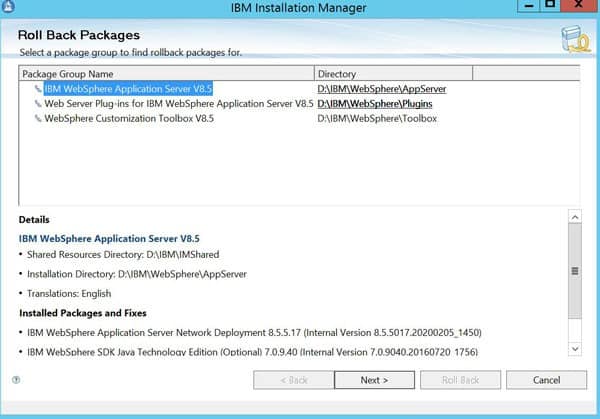
Choose the package to uninstall
Select the version to roll back to.
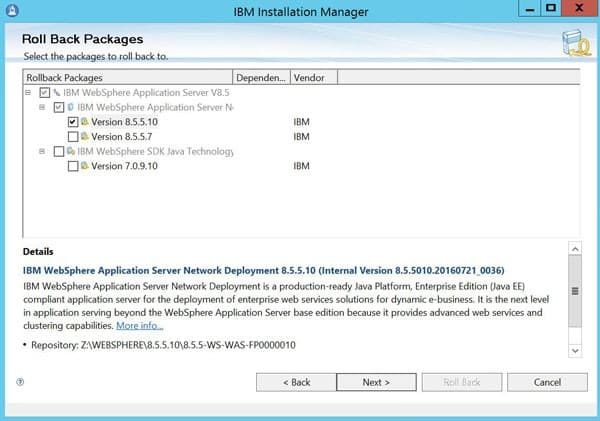
Click “Roll Back”
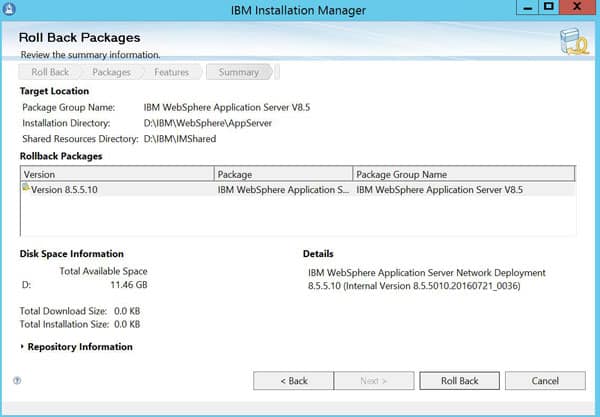
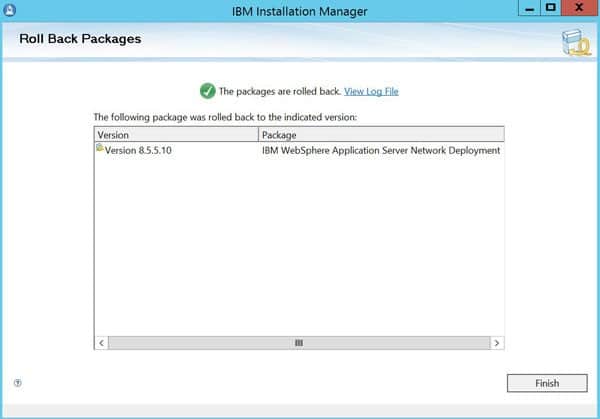
Verify a successful rollback, and click “Finish”. Be sure to go and roll back any other packages that are applicable.
Retiring Lawson, PeopleSoft, or Oracle? APIX archives the entire application — every table, every year, attachments and security included — into your own AWS account in about 30 days, so you can decommission the legacy system and keep full access to the history.

