
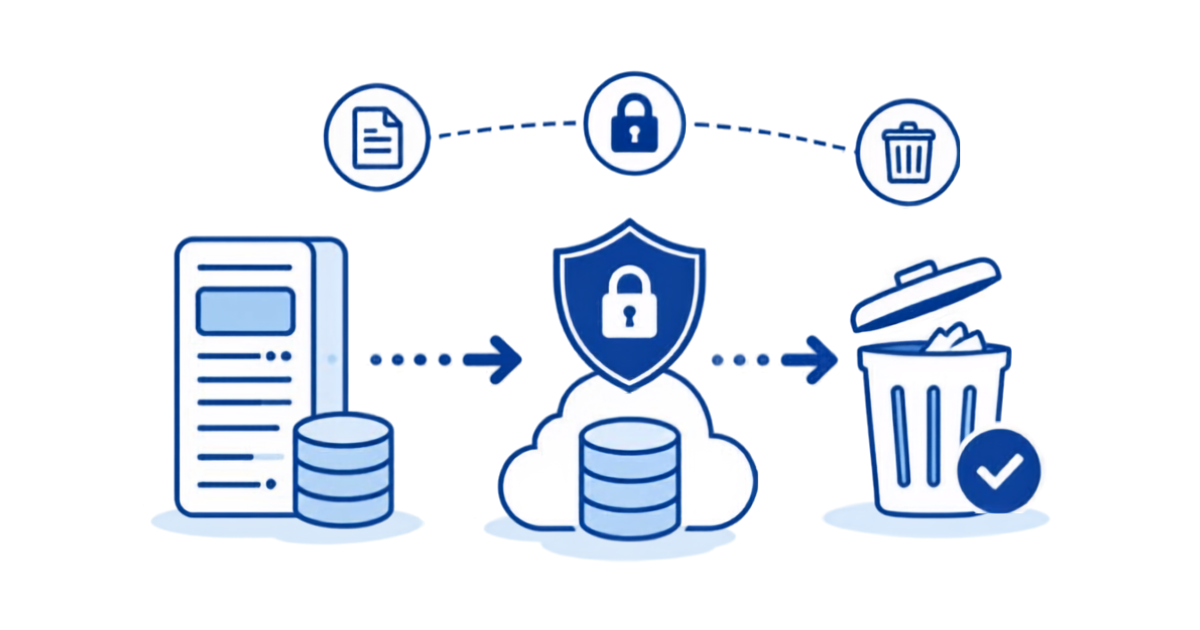
What Actually Happens to Your Data When You Decommission a Legacy ERP
Turning off a legacy ERP is easy. Keeping what’s inside it usable is the hard part, and it’s where most decommission projects go wrong.
If you’re the person who owns the Lawson, PeopleSoft, or Oracle EBS environment that finance and HR still log into “just for history,” this is the list of what actually has to survive shutdown. It’s longer than a table export.
1. The transactional history — all of it
The obvious part. Every GL journal, AP invoice, payroll check, PO, and benefit enrollment since go-live. For a system that’s been in production since the early 2000s that’s twenty-plus years, often several terabytes, spread across a thousand or more tables.
The trap: the new system only takes open items and a few years of balances. Everything older stays behind in the old database. That’s normal — no migration team wants to load 2007 payroll into a new cloud ERP — but it means the legacy system is now the only copy of most of your history.
2. The history you can’t see in the tables
Legacy ERPs store more than rows. In Lawson, drill-around attachments and comments live in separate L_H* / L_D* structures keyed to the parent record. PeopleSoft has attachments in file-attachment tables. Oracle has fnd_attached_documents. If your export script copies the invoice header but not the scanned invoice image attached to it, your AP team will find out during the first audit.
3. The security model
Who could see what. In a live ERP, the answer is enforced by roles: an HR analyst sees her process levels, not the whole company; a plant controller sees his accounting units. The moment you dump the tables into a data lake, that model is gone. Everyone with access to the bucket sees every employee’s pay history.
Recreating role-based access on an archive is not optional in HR and payroll data. It’s also the thing that a plain “export to S3” quietly omits.
4. The reports people actually run
Ask the AP manager what she needs from the old system and she won’t say “the APINVOICE table.” She’ll say “the vendor payment history report I run when a vendor calls about a 2019 check.” That report exists as a query, an LBI/Crystal/BI Publisher definition, or a saved screen inquiry. The archive has to reproduce those lookups, not just store the rows behind them.
5. Authentication
If the archive has its own username/password system, it will drift from your identity provider within a year: departed employees keep access, new auditors can’t get in. The archive should sit behind the same SAML/Entra ID sign-on as everything else, so offboarding in AD offboards the archive too.
6. Proof that the copy is complete
Auditors and legal will eventually ask: is the archive a faithful copy? You need row counts by table, checksums, and a record of when the copy was taken and validated. Do this before the source is shut off, not after, because after shutdown there is nothing to compare against.
7. An exit from the archive itself
Whatever you archive into, you’ll eventually want to leave it too. Make sure the data sits in an open format (Parquet on S3, for example) in an account you control, so leaving the archive vendor is a matter of stopping the subscription, not another migration.
The checklist, condensed
| Must survive shutdown | What usually gets missed |
| All transactional tables, all years | Only “recent” years exported |
| Attachments and comments | Not linked back to parent records |
| Role-based security | Flattened to “everyone sees everything” |
| Saved reports / standard inquiries | Rows exported, reports lost |
| SAML sign-on | Local logins that never get offboarded |
| Validation evidence | Row counts and checksums never captured |
| Open storage format in your own cloud account | Data locked in a vendor’s proprietary store |
How APIX handles this
This checklist is essentially the design spec for APIX. APIX copies the entire application — every table, every year, attachments included — into your own AWS account as Parquet on S3, puts a searchable, role-secured web application on top with the standard inquiries your users expect, connects it to your SAML identity provider, and captures row counts and checksums as part of the load. Typical time from kickoff to a decommissioned source system is about 30 days. Organizations like Mayo Clinic, Pacific Life, and DC Water run their retired ERP history this way.
If you’re planning a decommission and want a second set of eyes on what has to survive, book a discovery session. We’ll walk through your environment and tell you what we’d keep, what we’d drop, and what it would take.
Retiring Lawson, PeopleSoft, or Oracle? APIX archives the entire application — every table, every year, attachments and security included — into your own AWS account in about 30 days, so you can decommission the legacy system and keep full access to the history.

