

How to reorganize or modify Columns in LBI Maintain Reports
Follow the steps below to learn how to reorganize or modify your columns in (Lawson Business Intelligence) LBI Maintain Reports.
Problem:
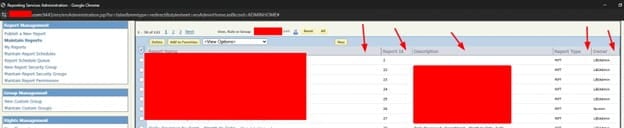
You’re an admin for Lawson LBI but you want to reorganize the Maintain Reports columns like the ones shown below:
Solution:
There is a simple way to do this. Just follow these steps.
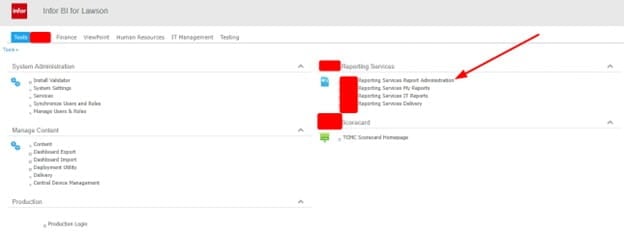
- First, log in to LBI and open your Report Administrator:

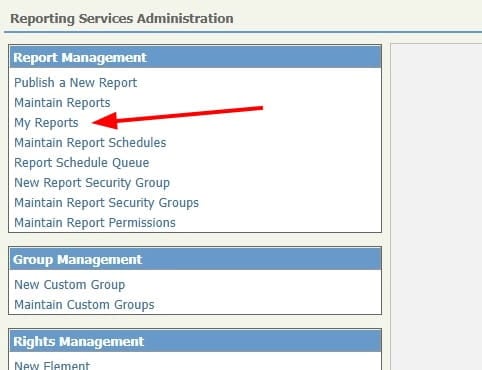
- Next, go to My Reports on the side bar:

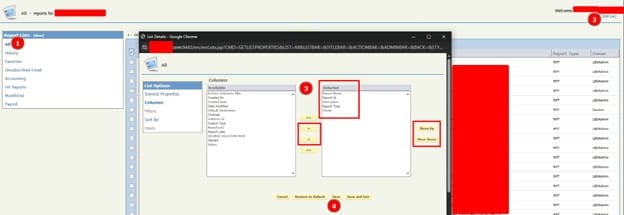
- Make sure “ALL” is selected under the left column under Report Lists
- Click “Edit List” on the top right and reorganize the columns, then click save.
Go back to Maintain Reports and you should see your new columns!
