
Running an IPA Workflow from ProcessFlowAdministrator
To manually run an IPA Workflow, first log into process administrator:
https://<landmark_server>:<web_port>/<product_line>/LpaAdmin/page/ProcessFlowAdministrator
If you get this page, just keep refreshing until the page loads

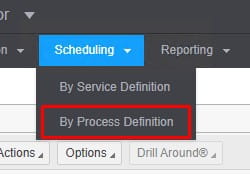
Go to Scheduling > By Process Definition
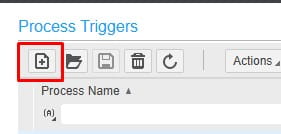
If the Process Name isn’t listed, you’ll need to add a trigger
Click the add icon
Select the Process
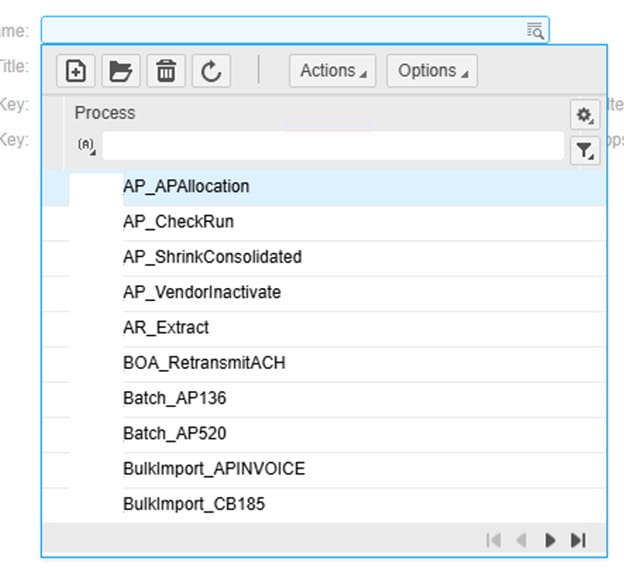
Work Title is required
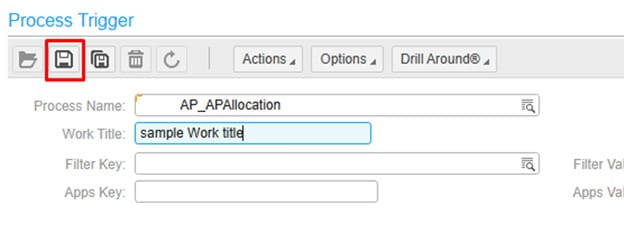
Click the save button after selecting a workflow and entering the work title
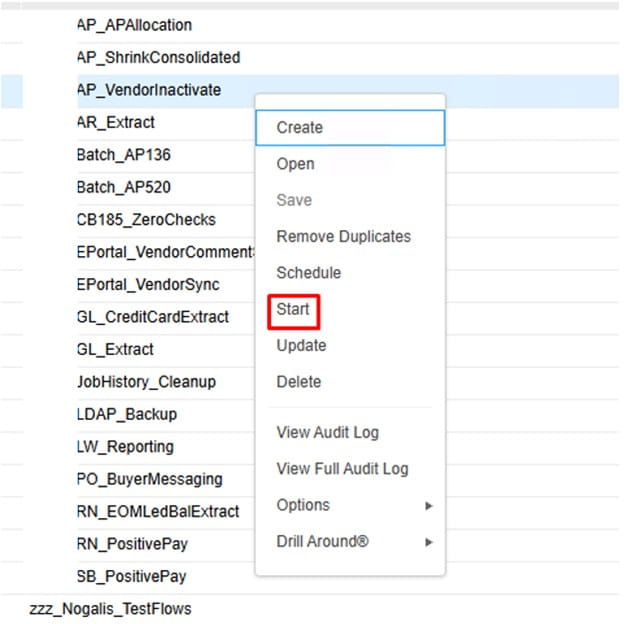
To run the process, right-click on the Process Trigger, and select “Start”
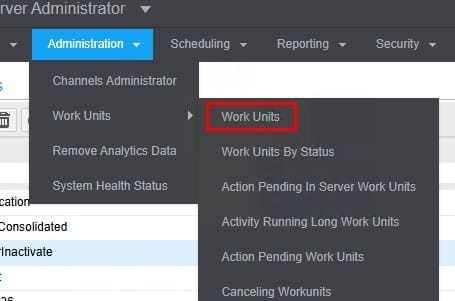
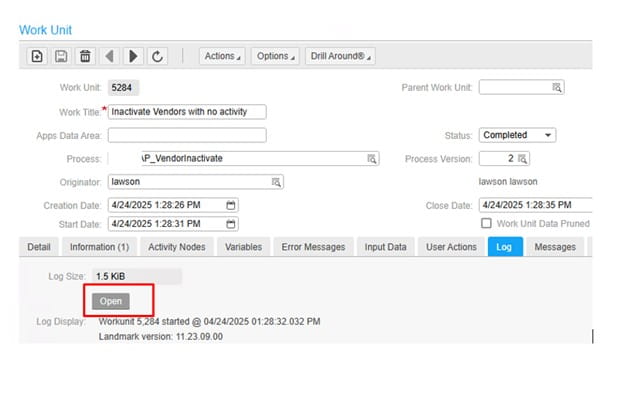
To view the process update and log, go to Administration > Work Units > Work Units
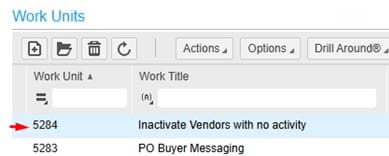
Double-click the work unit to open the admin panel. The “Log” tab is the most useful. It’s best to click “Open” on the log and it will download to a text file.
Retiring Lawson, PeopleSoft, or Oracle? APIX archives the entire application — every table, every year, attachments and security included — into your own AWS account in about 30 days, so you can decommission the legacy system and keep full access to the history.

