
How to include Report ID in LBI Maintain Reports
Follow these simple steps to learn how to include Report ID in LBI Maintain Reports
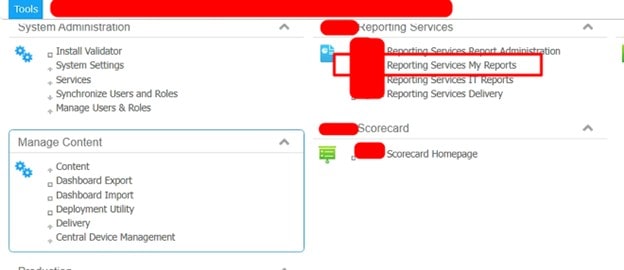
- First, go into Tools when logged in as an admin and select “Reporting Services My Reports”.

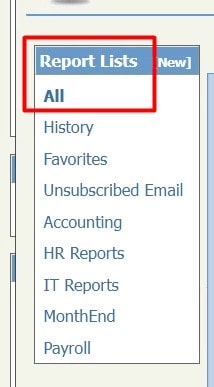
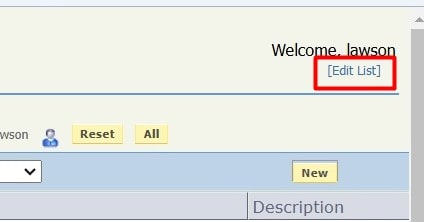
- Under the “All” section in the Report Lists on the left side dash, click “Edit List” on the top right of the screen.


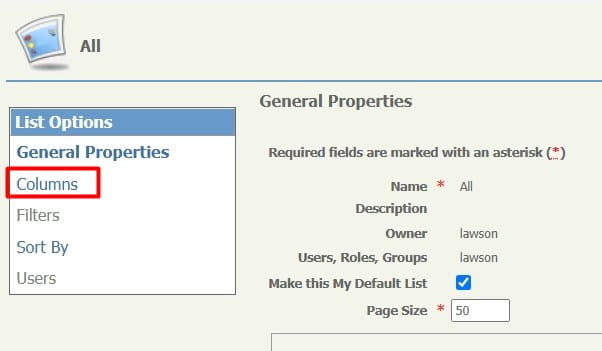
- Next, under “List Options” select “Columns”.

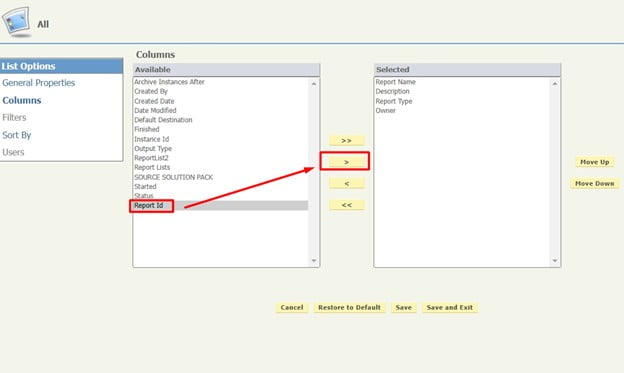
- Then select “Report Id” and click the right arrow in the middle of the screen:

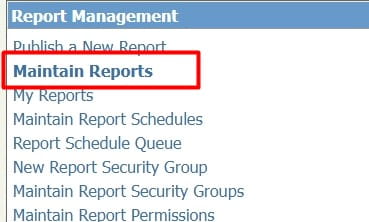
- Click “Save and Exit” and then go to “Maintain Reports” in the Reporting Services Administration Report Management Menu.

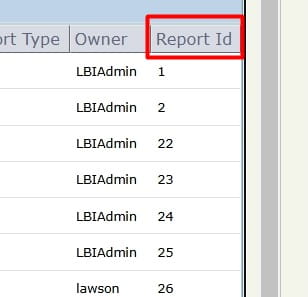
- Now you’ll see all the Report ID’s on the right hand column:

That’s all there is to it!

