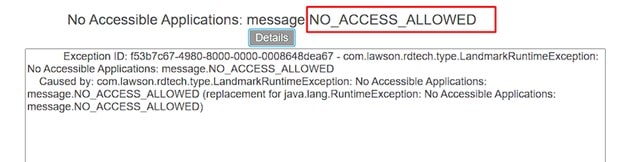
Error – NO_ACCESS_ALLOWED for Lawson Enterprise Financial Management Application
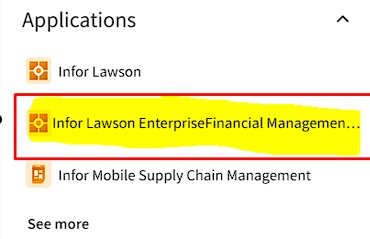
Issue: You may come across an issue where a user is getting a NO_ACCESS_ALLOWED error when trying to access Infor Lawson Enterprise Financial Management (See Screenshots Below)
Solution: To resolve this issue, in Mingle, go to OS >> Security. Please note that admin rights are needed to access and make changes to the security screen for your user(s).
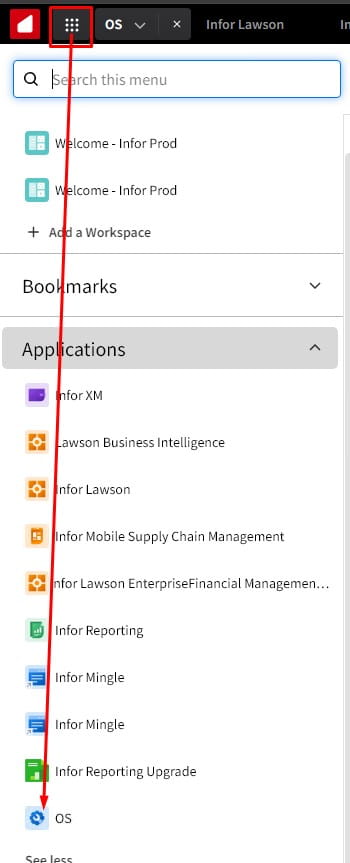
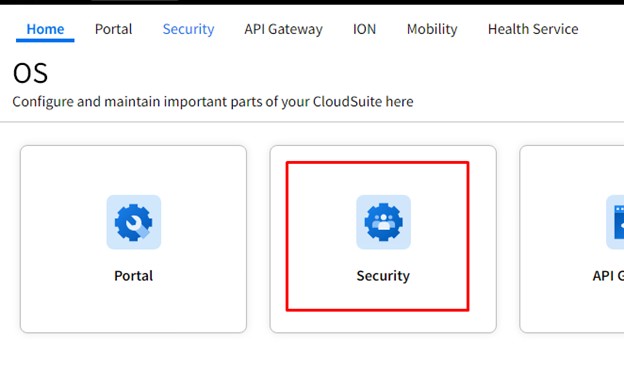
Next, search for the user and select their profile:

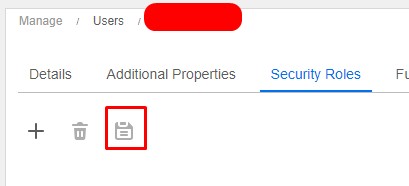
Under “Security Roles”, click the plus sign to add, then search LAWSONLMFIN-USER. Make sure it’s added to their security settings.
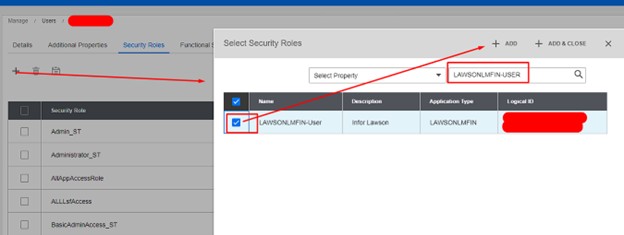
Finally, click “Save” to keep the changes made. The user should now have access!