
Update Infor OS Certificate
Follow these steps to update the server certificate in Infor OS.
- Log into the Infor OS server as an admin
- Mount the InforOS iso installer file. You’ll need the iso for the version that you are currently on. If you don’t have it already, download it from the Infor Concierge archives.
- Open command line as admin
- Navigate to the drive that was created when you mounted the ios
- Run command exe -v”CERTIFICATEUPDATE=true”

- Wait for installer to load
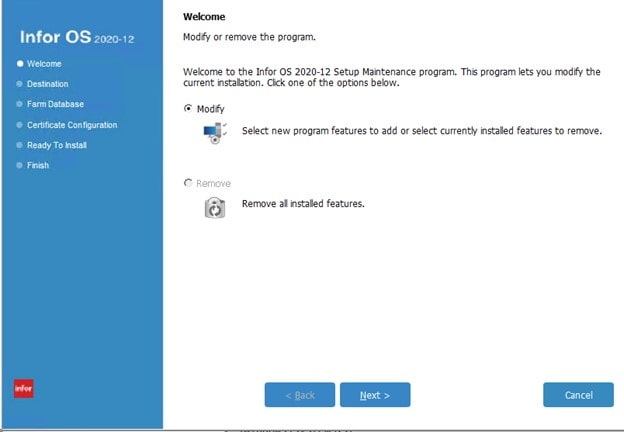
- Select “Modify”
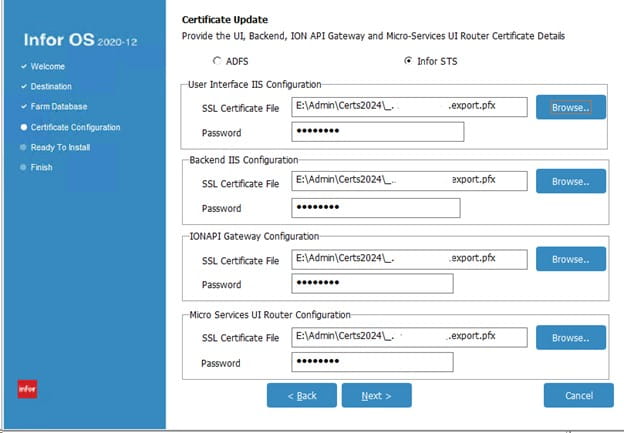
- Enter the location of the new certificate, and the password. This should be a pfx file with a password.
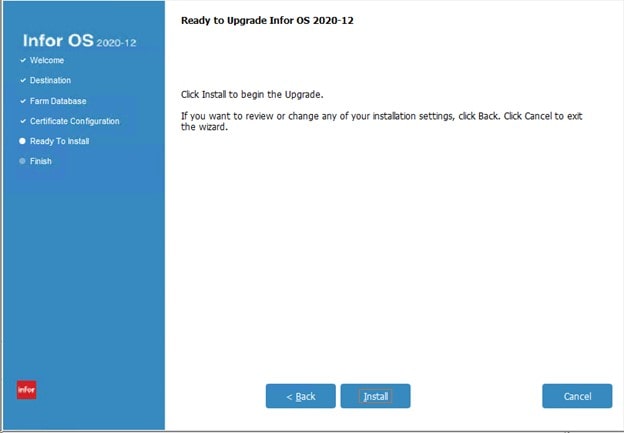
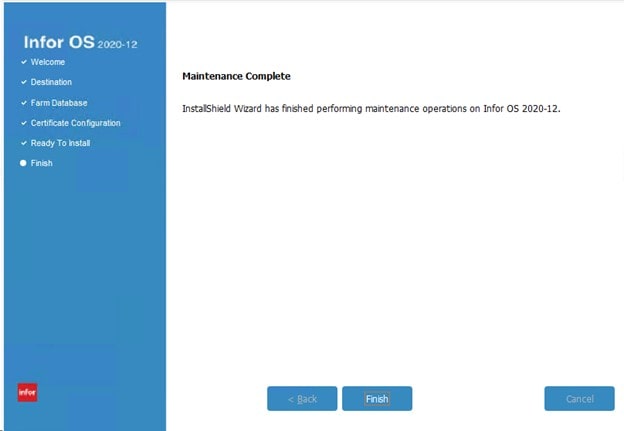
- Click install, and wait for a successful completion.

Retiring Lawson, PeopleSoft, or Oracle? APIX archives the entire application — every table, every year, attachments and security included — into your own AWS account in about 30 days, so you can decommission the legacy system and keep full access to the history.


Leave a Reply
Want to join the discussion?Feel free to contribute!