

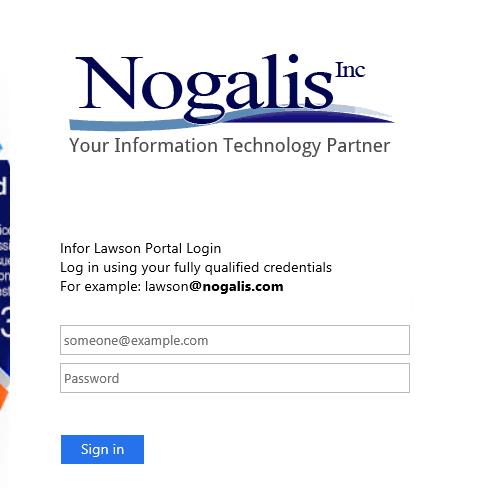
Customize AD FS Login Screen – Login Instructions
To customize the login instructions on your AD FS login screen, first you need to download the theme that will be updated. Then, you will update the onload.js script with your custom code, and then reset the theme to use the updated onload.js. Open PowerShell as administrator on the AD FS server, and follow these steps:
Download your theme:
export-adfswebtheme -name “<your theme name>” -DirectoryPath “<local directory>”
Modify the onload.js file located at <local directory>/script/onload.js:

Upload your modified onload.js file:
set-adfswebtheme -targetname <your theme name> -additionalfileresource @{Uri=’/adfs/portal/script/onload.js’;Path=”<local directory>/script/onload.js”}

The theme name that is delivered with the AD FS configuration is “default”, but you have the option of creating and customizing your own themes.
Retiring Lawson, PeopleSoft, or Oracle? APIX archives the entire application — every table, every year, attachments and security included — into your own AWS account in about 30 days, so you can decommission the legacy system and keep full access to the history.

