
How to perform a cyclic update for BSI TaxFactory 10
- Download the client package for Windows.
- Log into your MyBSI account
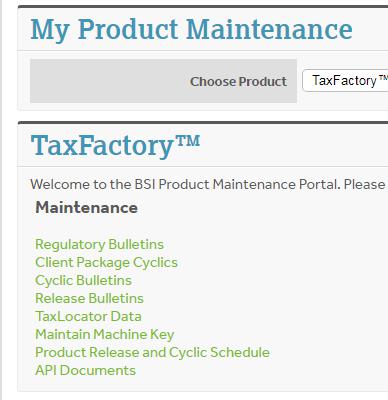
- Navigate to Product Maintenance
- Select your product
- Cyclic Bulletins
- Select your bulletin
- Click on your TF10 Client Package
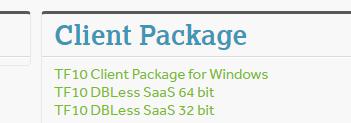
- Download the Server Package.
- From the Cyclic bulletins screen, select the appropriate server download for your server configuration

- From the Cyclic bulletins screen, select the appropriate server download for your server configuration

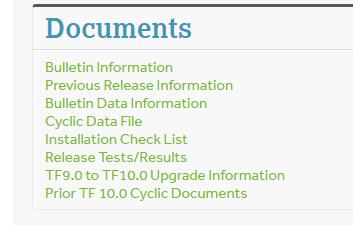
- Download the Cyclic Data File.
- From the Cyclic bulletins screen, click Cyclic Data File

- From the Cyclic bulletins screen, click Cyclic Data File
- Uncompress/Unzip the client software.
- Install the client software.


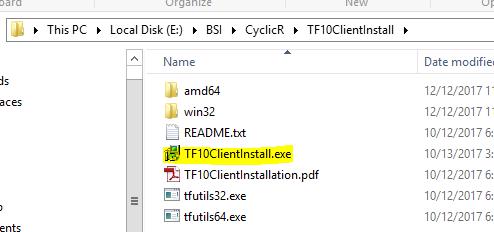
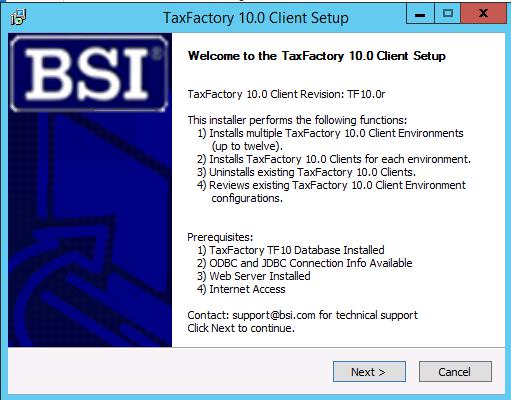
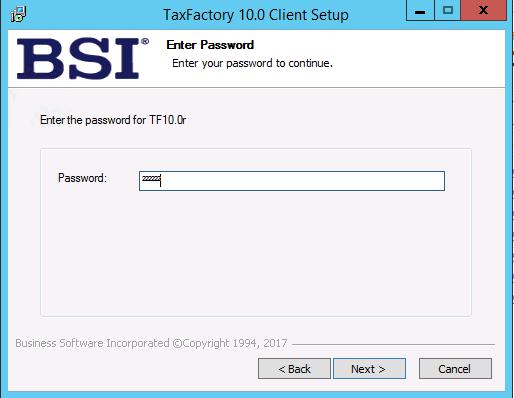
Password can be fund under the Bulletin Information link
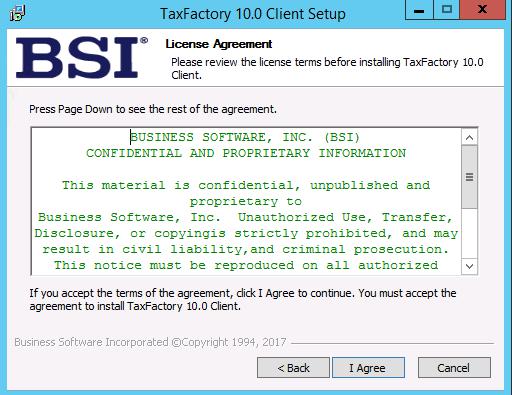
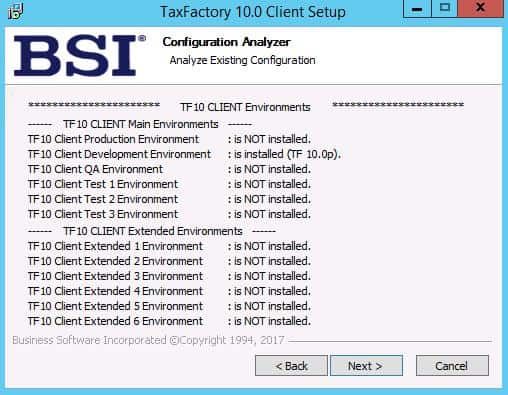
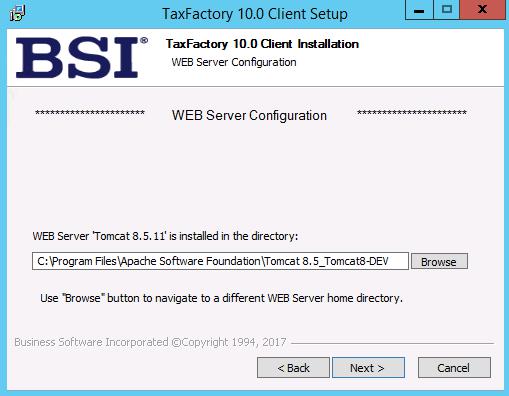
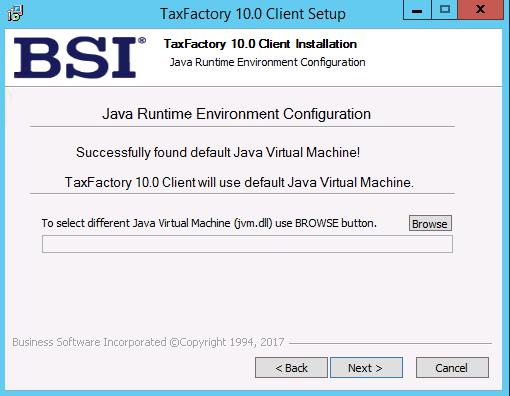
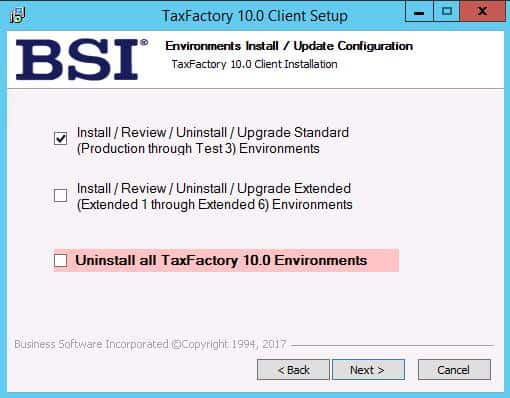
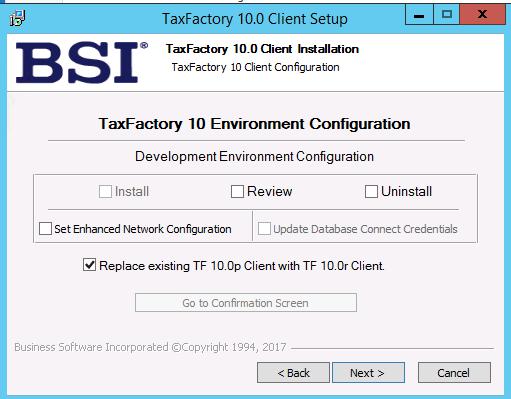
Skip any environments that are not installed
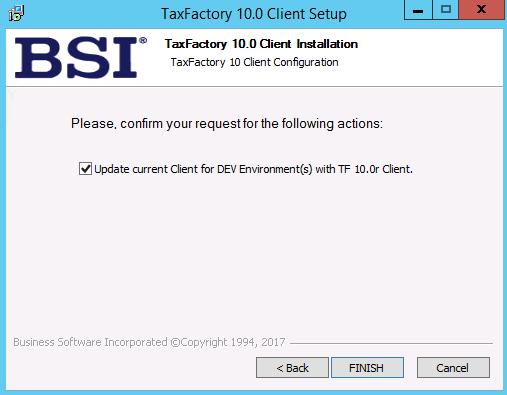
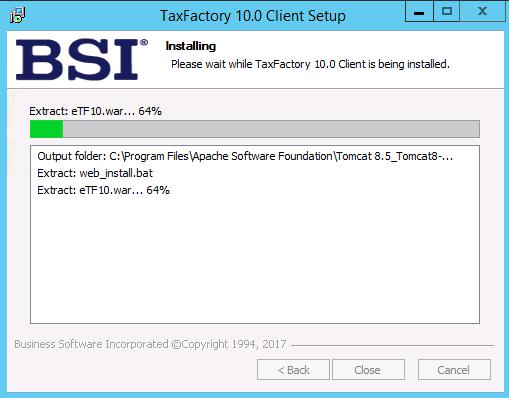
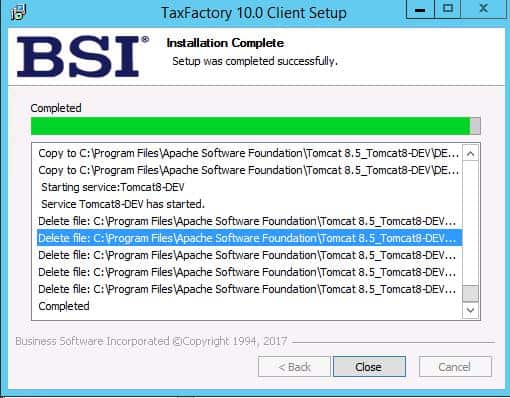
- Uncompress/Unzip the server software.


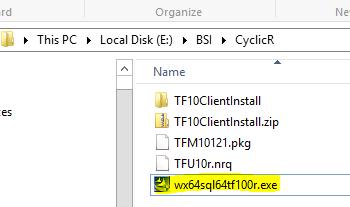
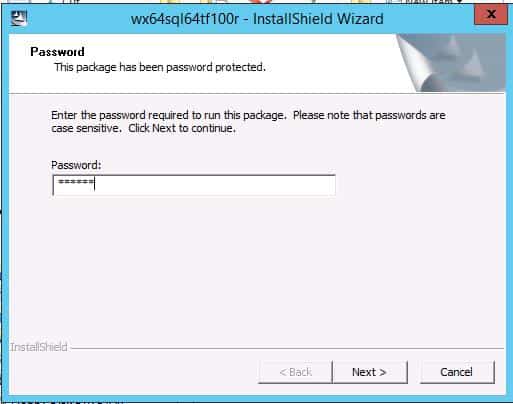
Password can be fund under the Bulletin Information link
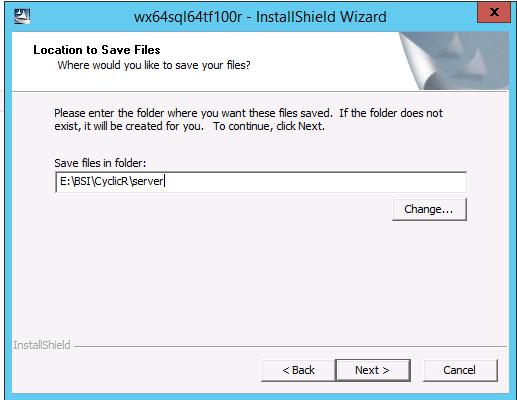
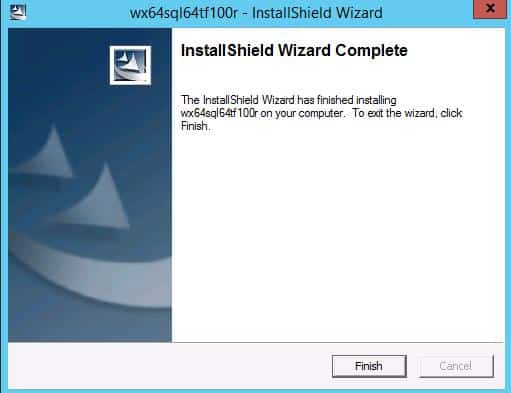
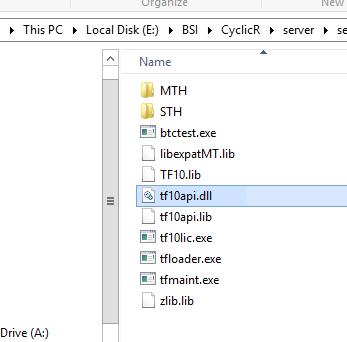
- Transfer/move/copy the server software to your payroll system location. (on Windows this location is C:/Windows/System32)
- Apply the Cyclic Data.
- Log into the new cyclic URL (eTF10x, where x is the new bulletin letter)
- Select your dataset
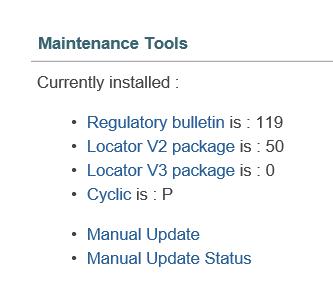
- Go to System Tools
- Under Maintenance Tools, select Manual Update

-
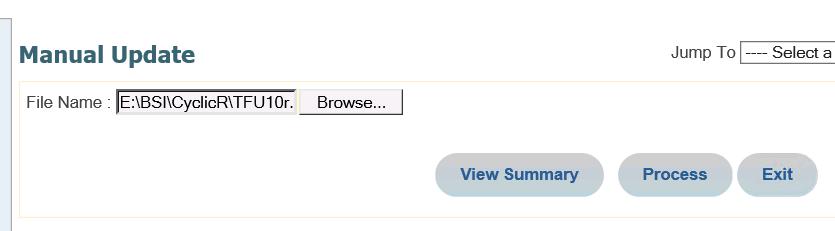
- Browse for the data package you downloaded earlier
- Click Process


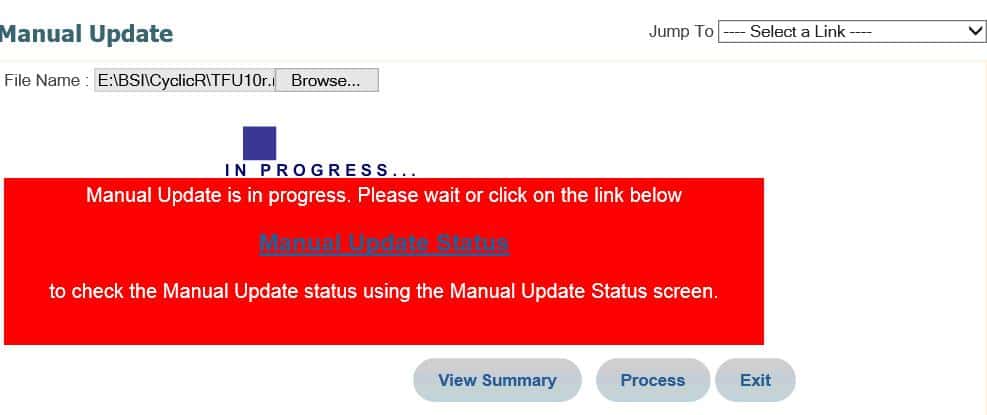
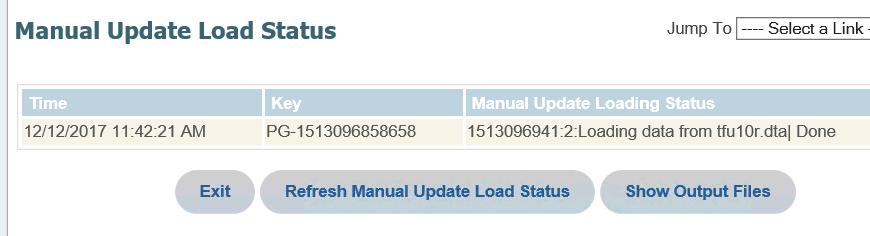
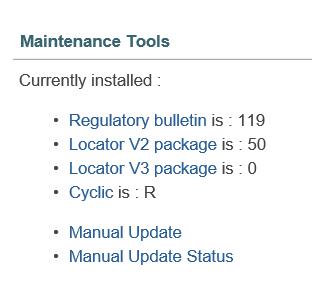
Cyclic bulletin is updated
- Verify BSI in Lawson
- Log into LID
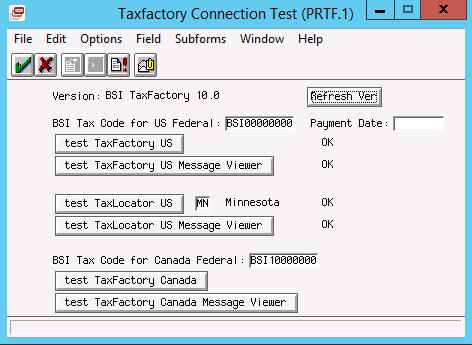
- Navigate to lapm <pdl> prtf
- Click Refresh Ver
- Click the appropriate test buttons
Retiring Lawson, PeopleSoft, or Oracle? APIX archives the entire application — every table, every year, attachments and security included — into your own AWS account in about 30 days, so you can decommission the legacy system and keep full access to the history.

